Global Search
Global Search
Overview
This article explains how to use the global search function for item lookup using Job Number, Part Number, or RFID Tag Number as well as viewing item type details.
Instructions
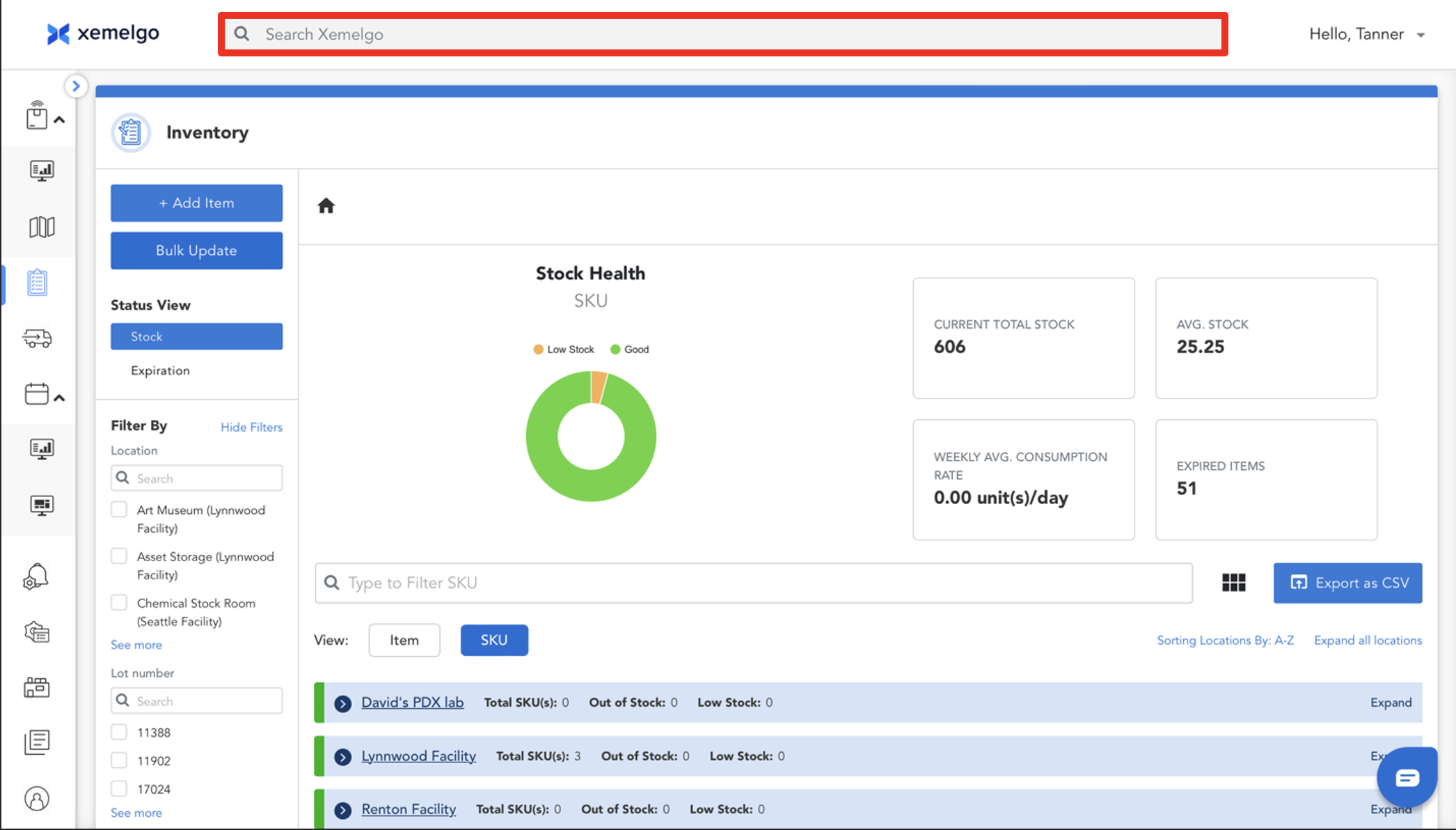
Users can instantly search for any item by using the global search option at the top of every dashboard. Users can search using Job Number, Part Number, or RFID Tag Number.
When users enter a Job Number, the search will show both a Part and Order link since the job number is embedded into **Part Number.
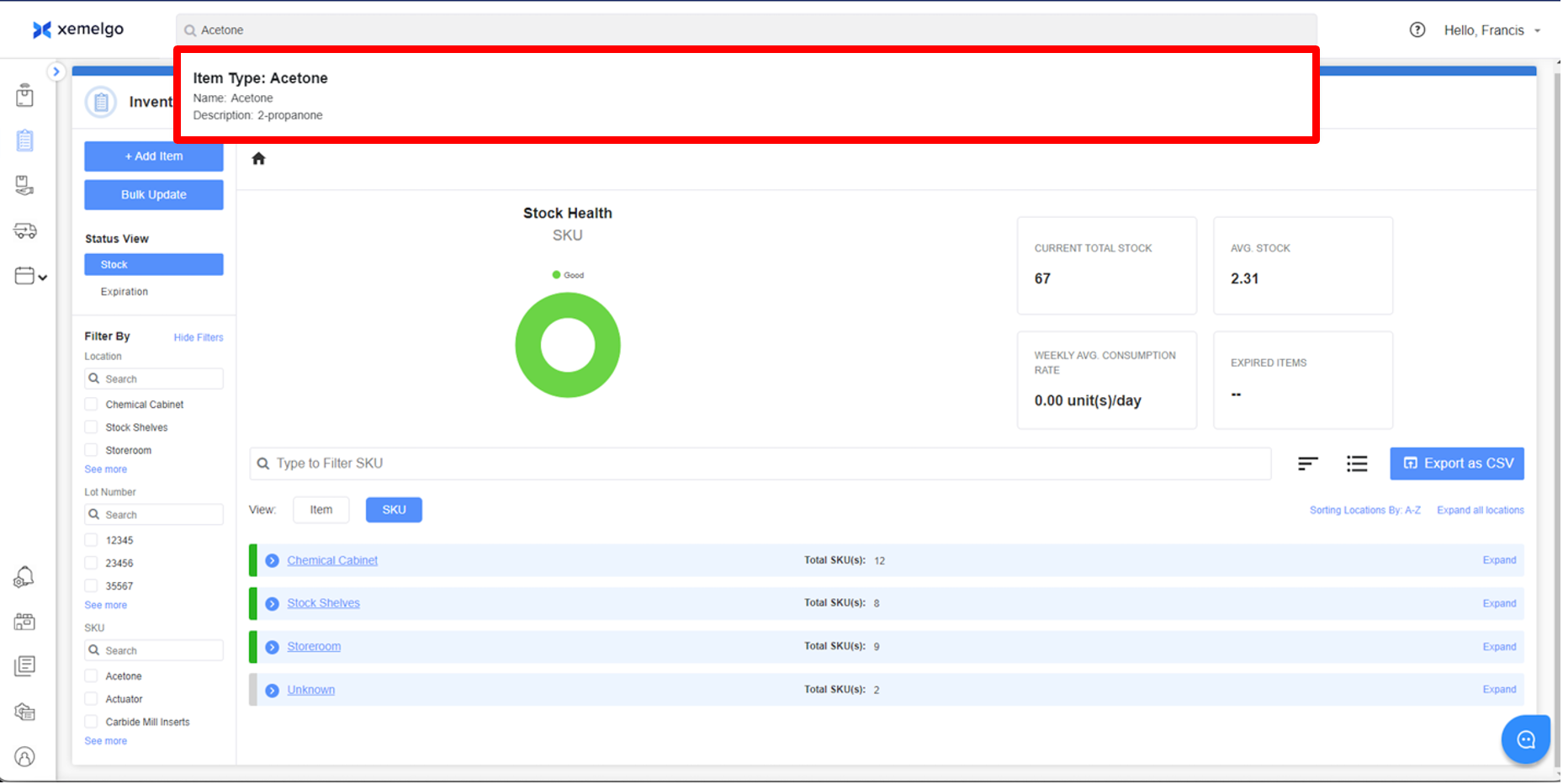
Next, click the item type you are looking for.
After clicking on the item type, you will be brought to the item type's details page where you can view the Item Type Number and Description.
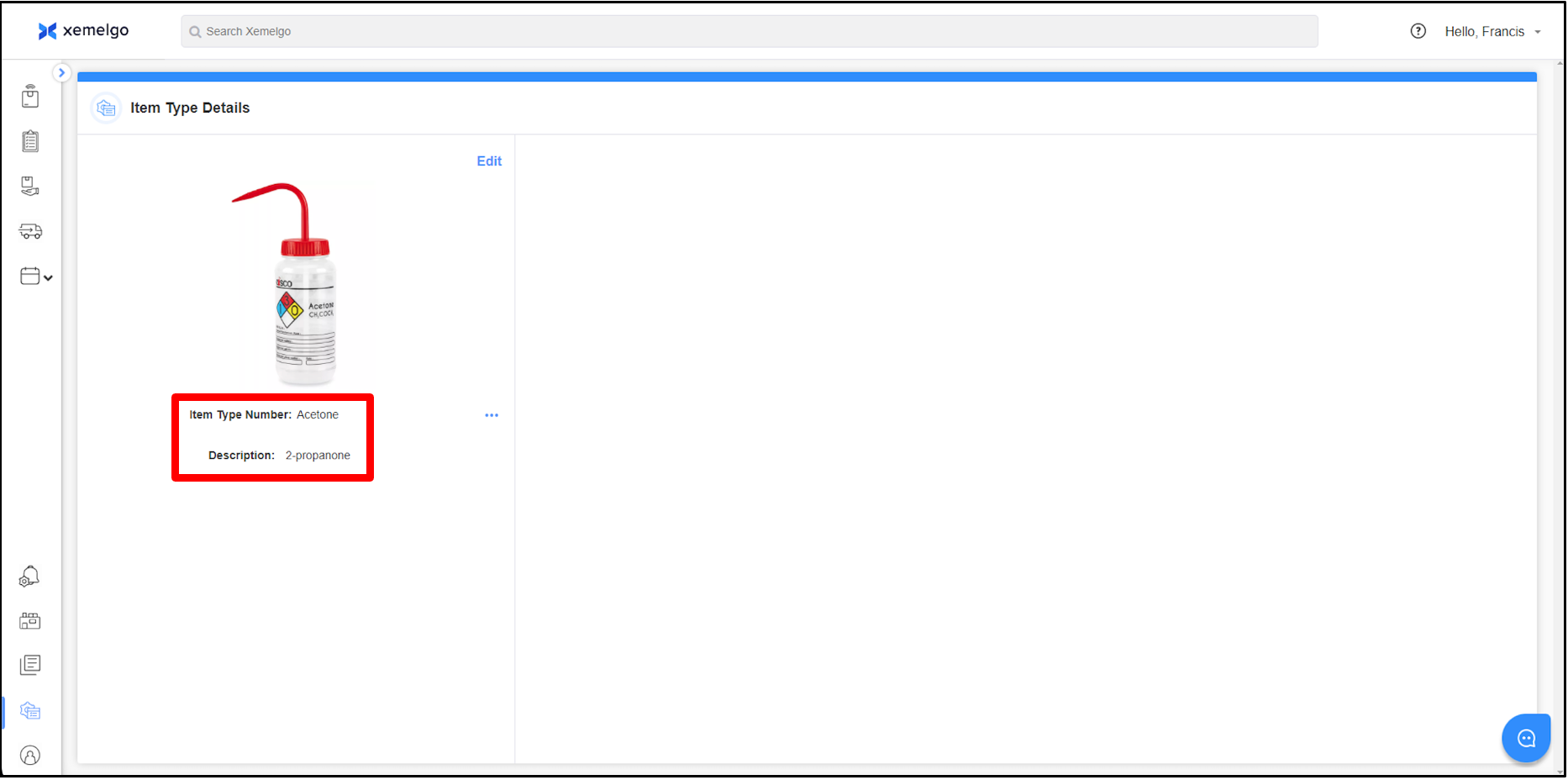
To learn how to edit the image or details of the item type, view our article on Editing Item Type Image and Information.
Need further assistance?
The article above couldn't resolve your issue? Use the chat button in the bottom-right corner to contact the support team.