Managing User Accounts
Managing User Accounts
Overview
This article explains how to edit, delete, search, and sort user details efficiently.
Editing/Deleting Existing User Details
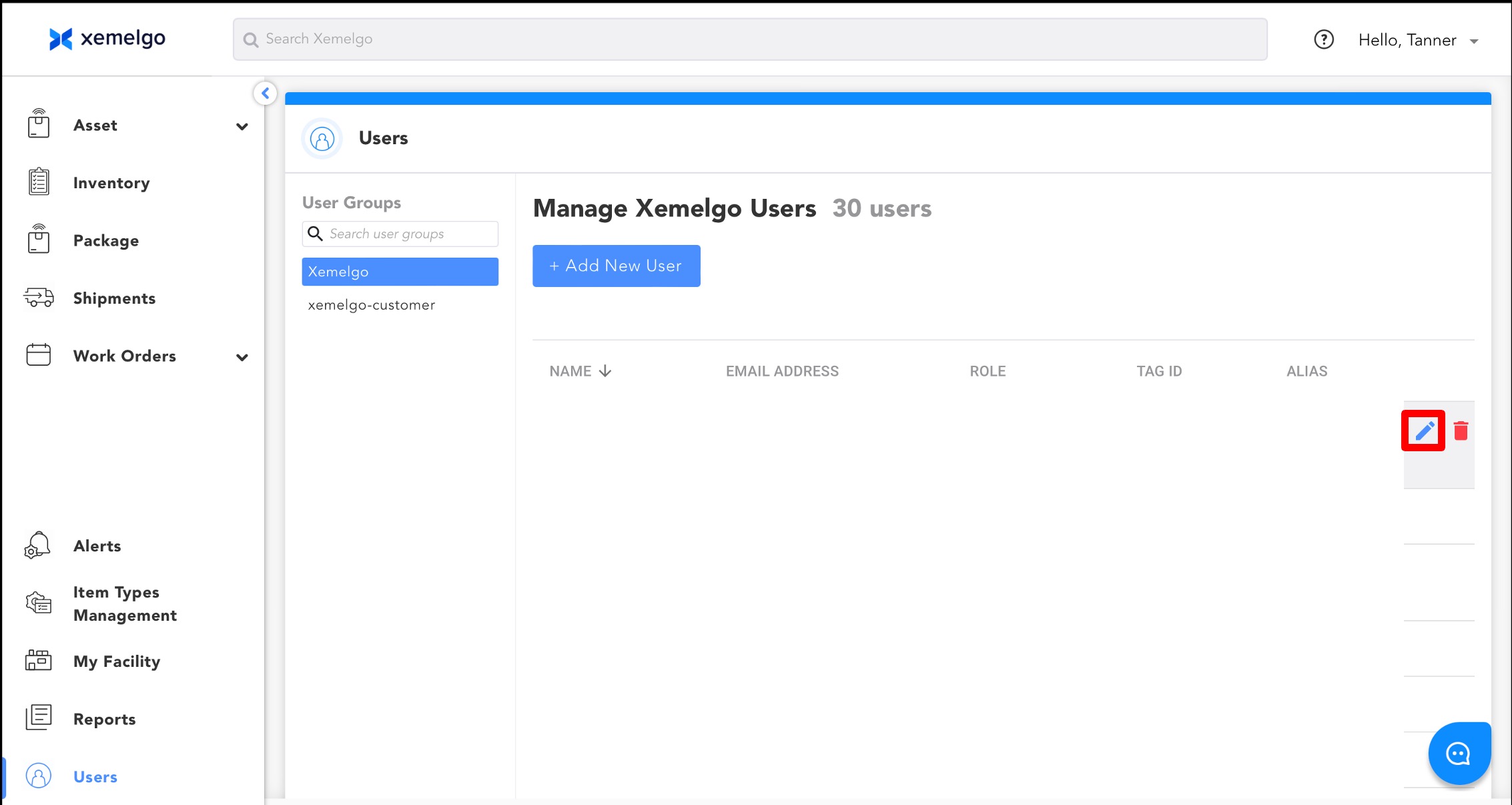
To edit user details, click the Blue pencil icon located to the right of the user's alias.
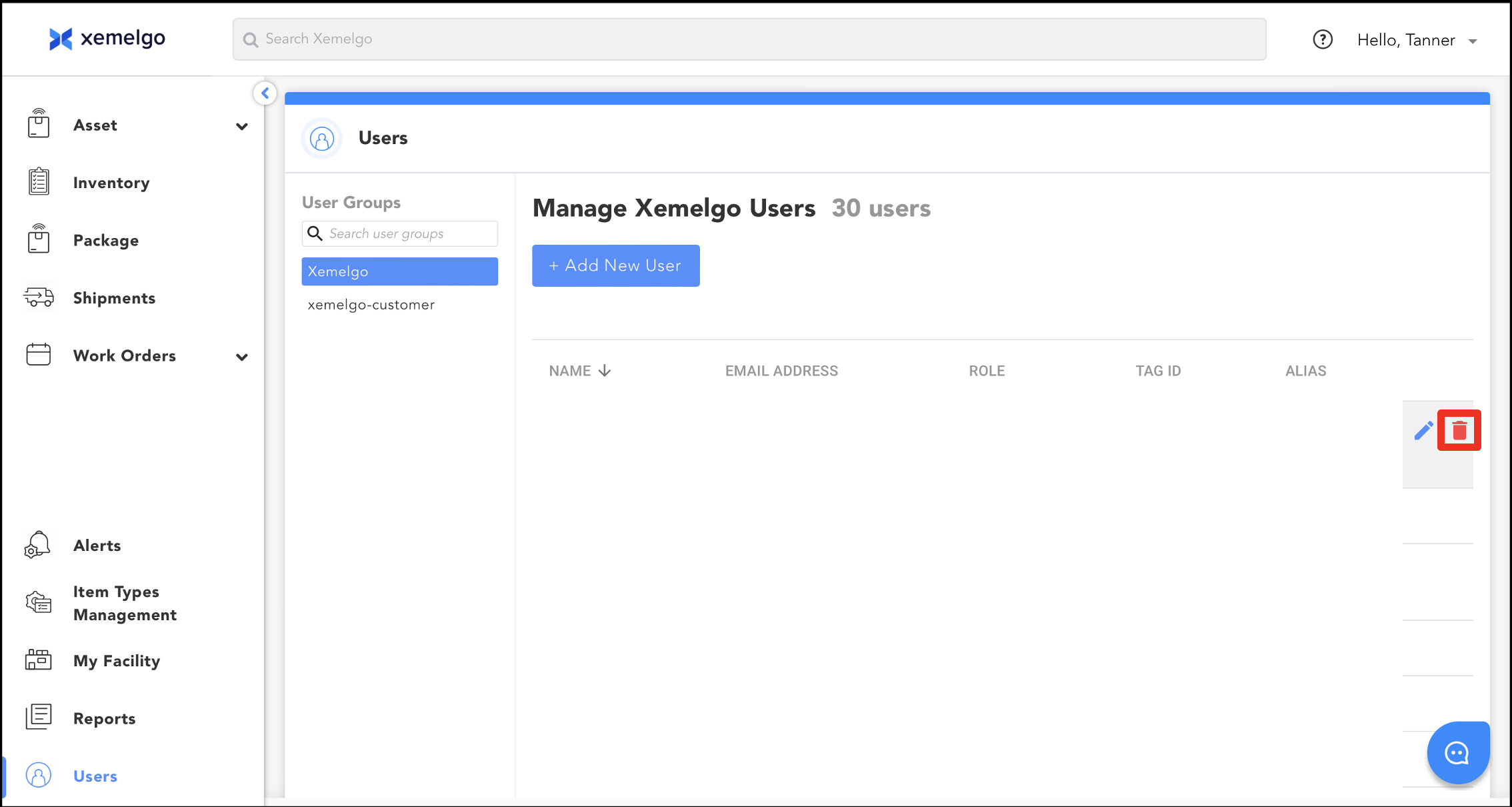
To delete a user from the Xemelgo system, click the Red trashcan icon located to the right of the user's alias.
Searching User Groups
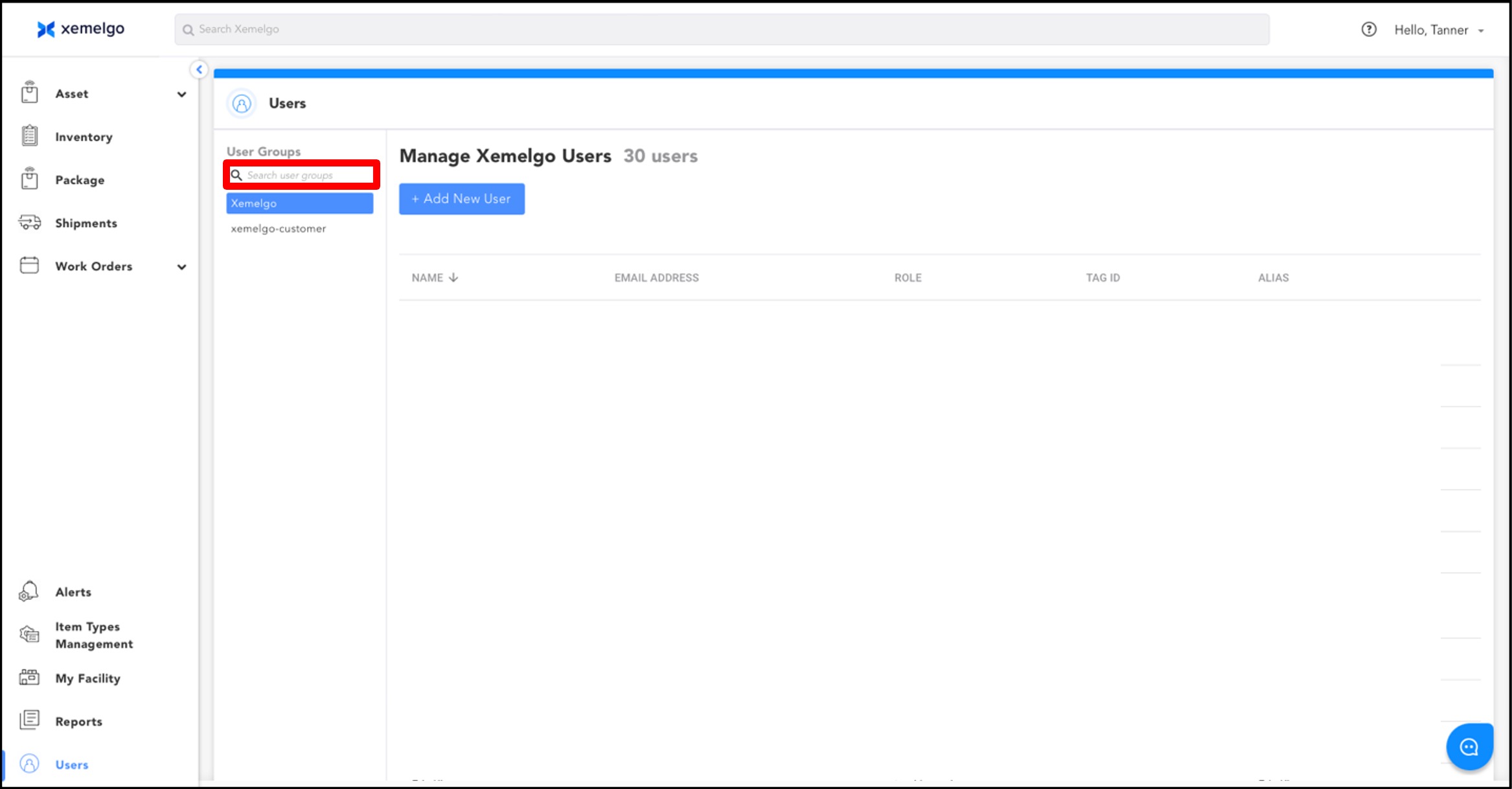
You can search for user groups by entering the group you are looking for in the text field displayed in the picture below.
Sorting Users
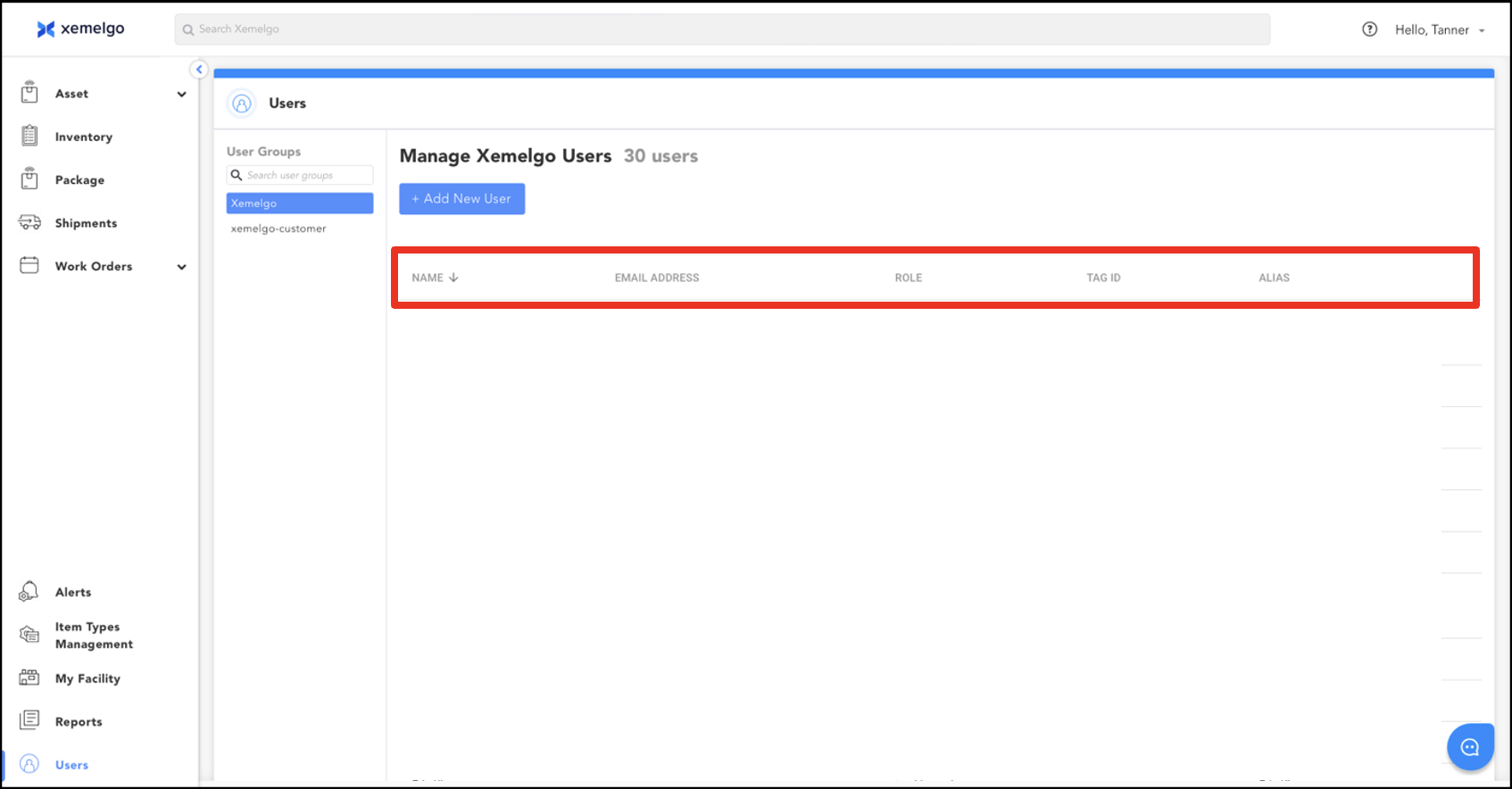
You have the option to sort users by Name, Email Address, Role, Tag ID, or Alias.
Need further assistance?
The article above couldn't resolve your issue? Use the chat button in the bottom-right corner to contact the support team.
Was this article helpful?