Managing Customer Accounts
Managing Customer Accounts
Overview
This article explains how to edit and delete existing customer accounts.
Editing/Deleting Existing Customer Accounts
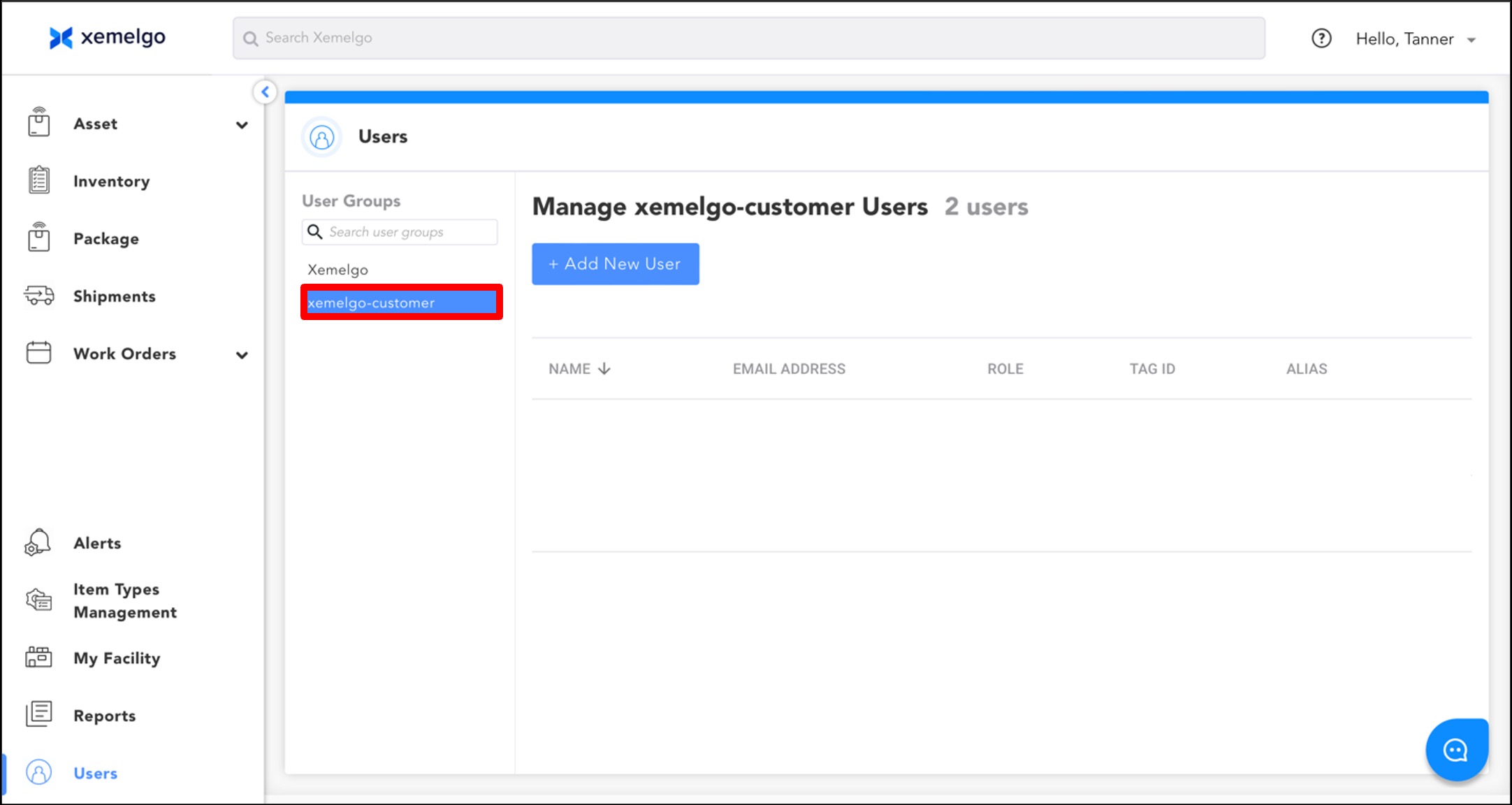
To begin editing customer account details, ensure xemelgo-customer is selected.
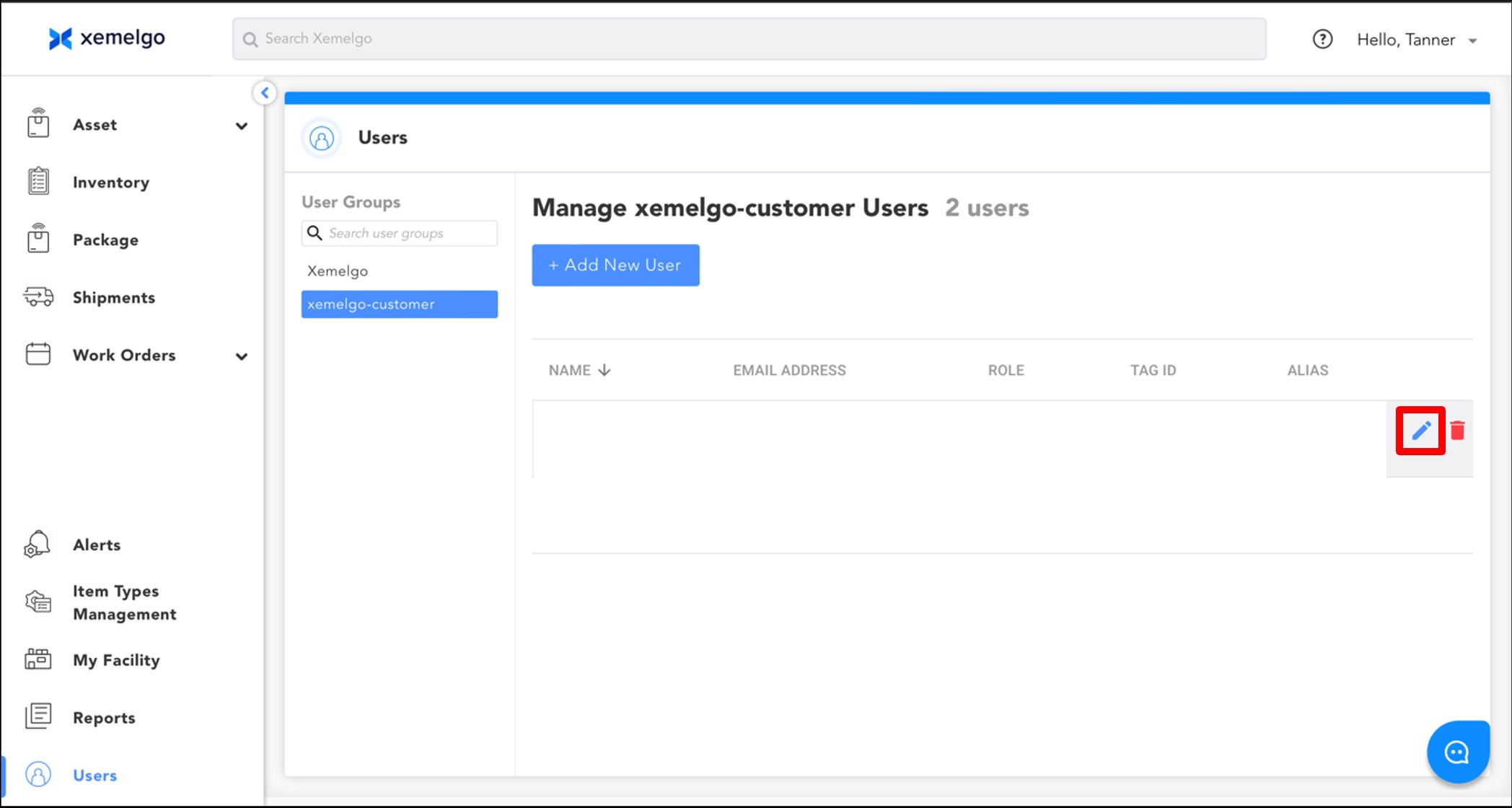
Next, hover your cursor over the customer account and select the Blue pencil icon located to the right of the customer account alias.
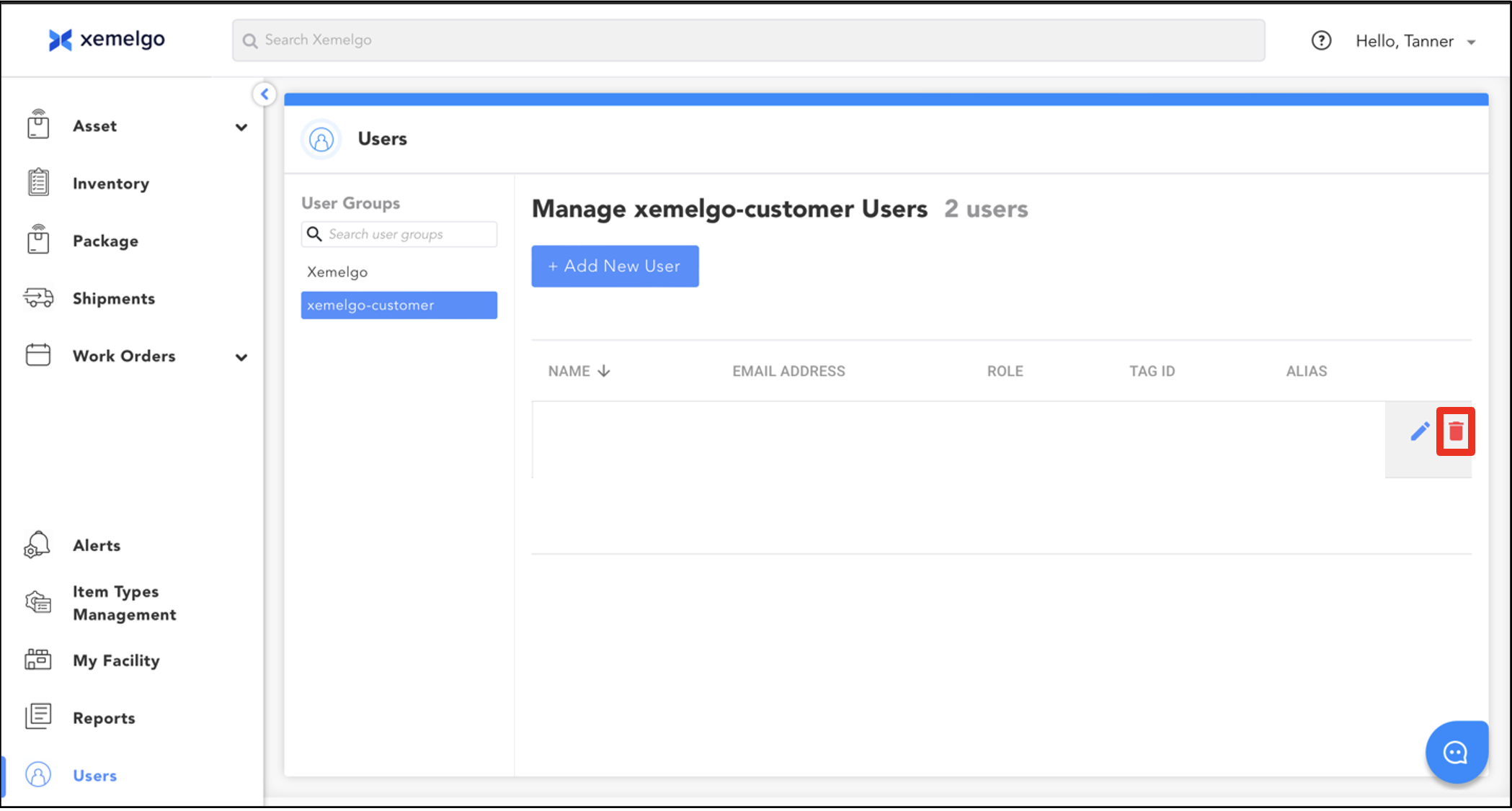
To delete a customer account, hover your cursor over the customer account and select the Red trashcan icon located to the right of the customer account alias.
Need further assistance?
The article above couldn't resolve your issue? Use the chat button in the bottom-right corner to contact the support team.
Was this article helpful?