Onboarding an RFID Device on Web
Onboarding an RFID Device on Web
Overview
This article explains how to onboard an RFID device into the Xemelgo system.
Instructions
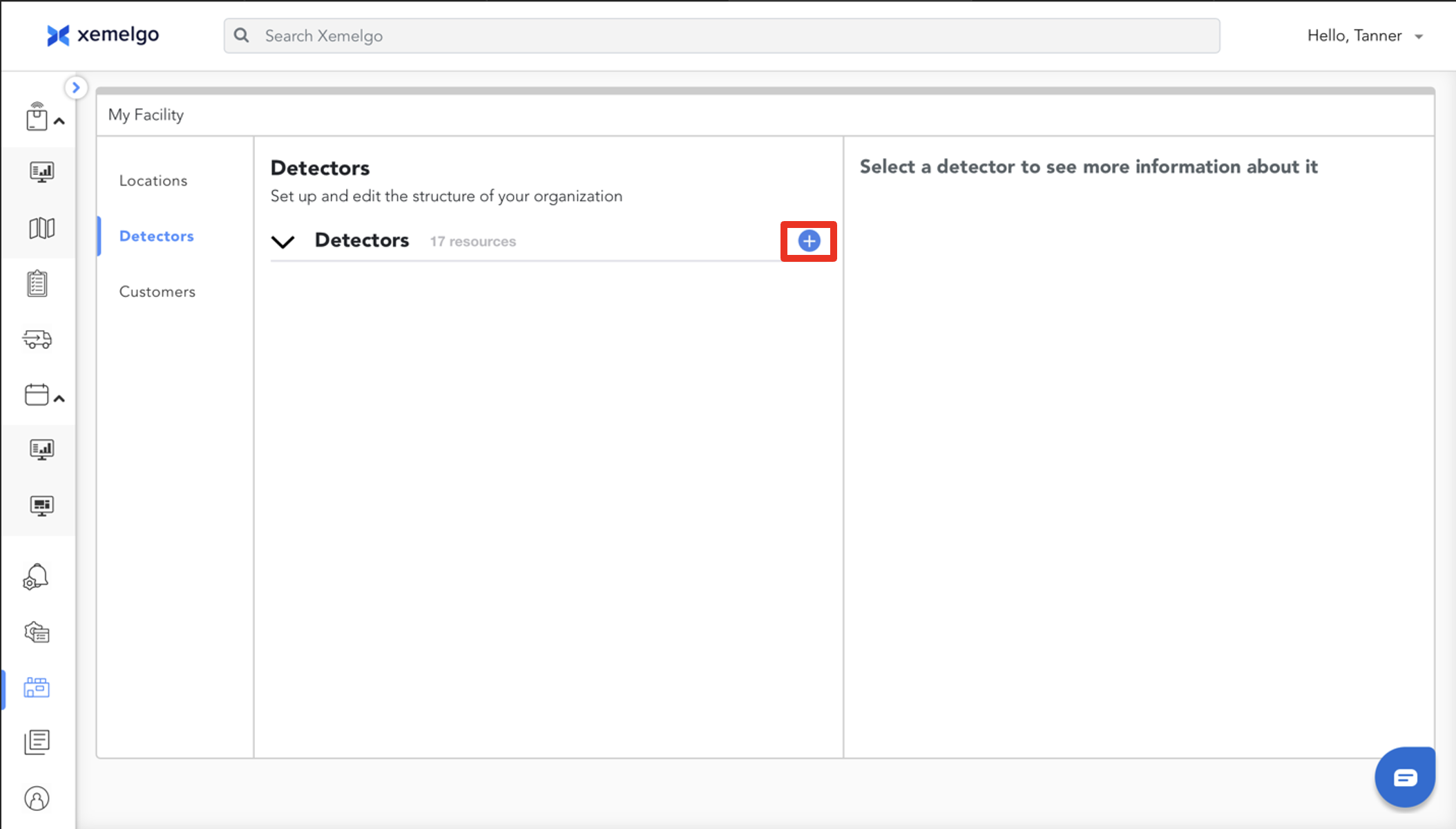
To begin the process of onboarding an RFID device, click the Blue plus sign.
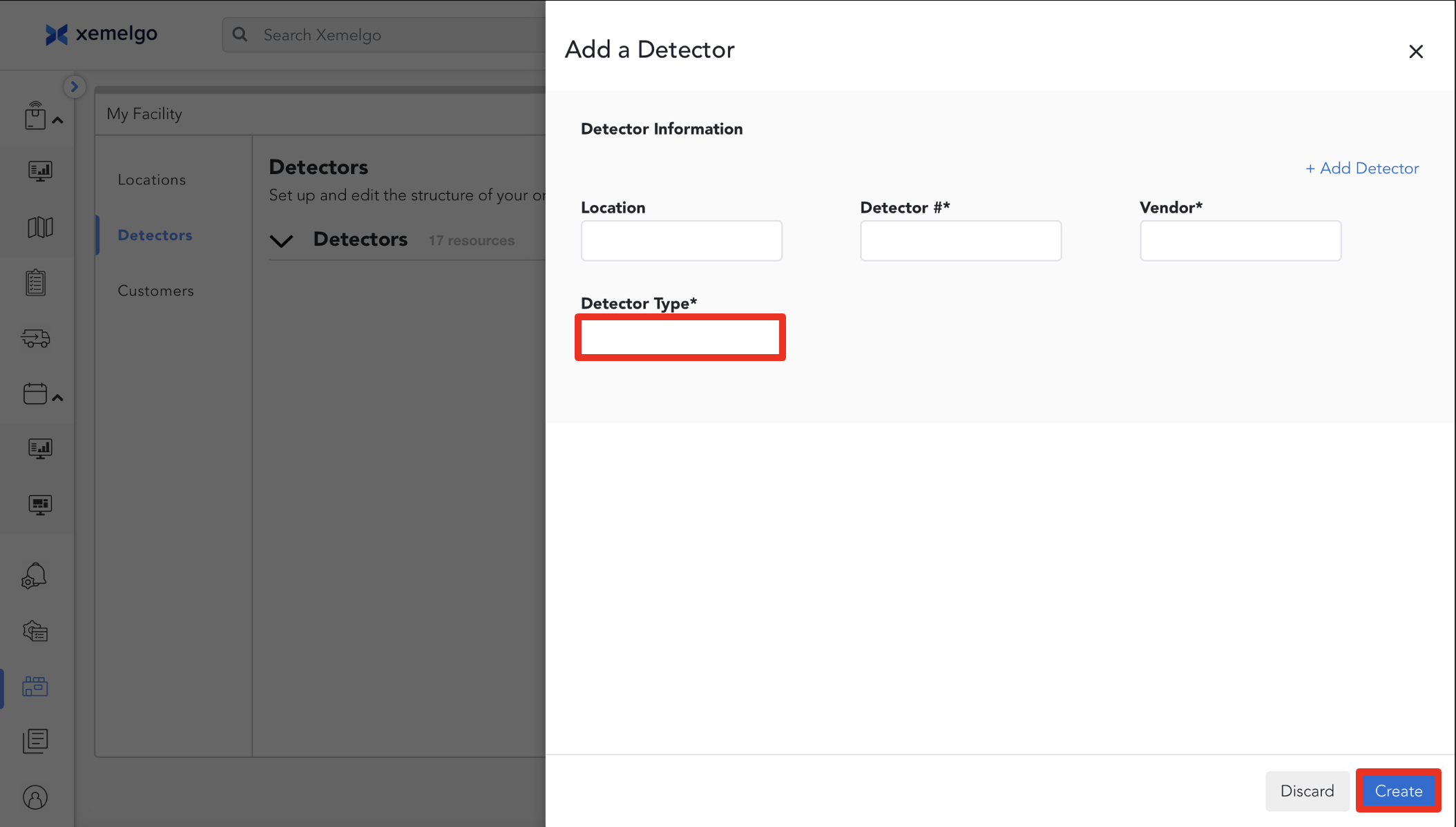
To add the RFID device, add the Location, Detector #, Vendor, and Detector Type (mounted or handheld).
Click Create to finish.
Need further assistance?
The article above couldn't resolve your issue? Use the chat button in the bottom-right corner to contact the support team.
Was this article helpful?