Navigating Item Type Management
Navigating Item Type Management
Overview
This article covers filtering, exporting, and sorting item types effectively.
Filter Item Types
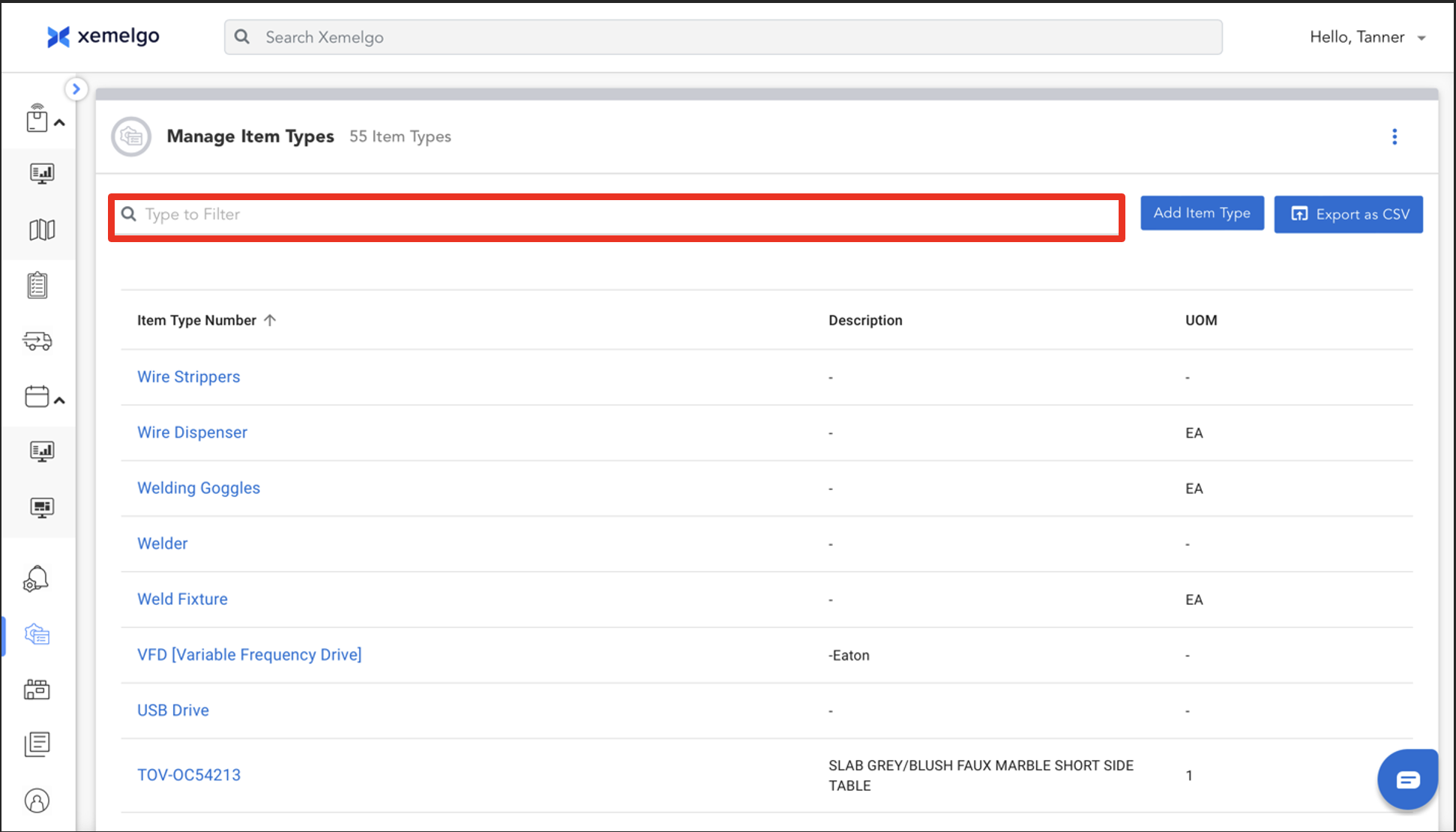
To filter item types, simply type the Name of the item type you are searching for in the text field.
Export Data as CSV
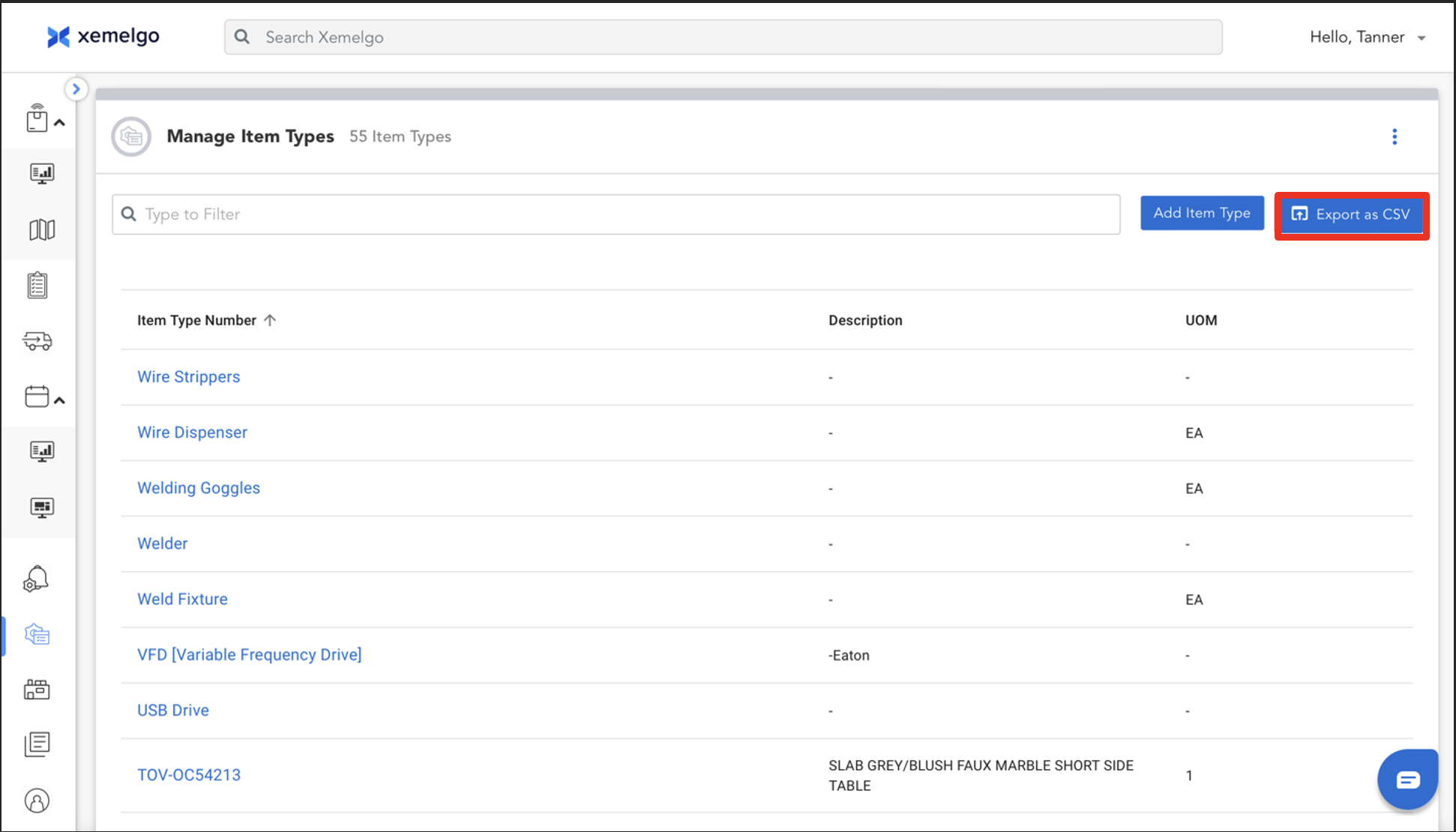
Once you have filtered for the item types you were searching for, click Export as CSV.
Sorting Item Types
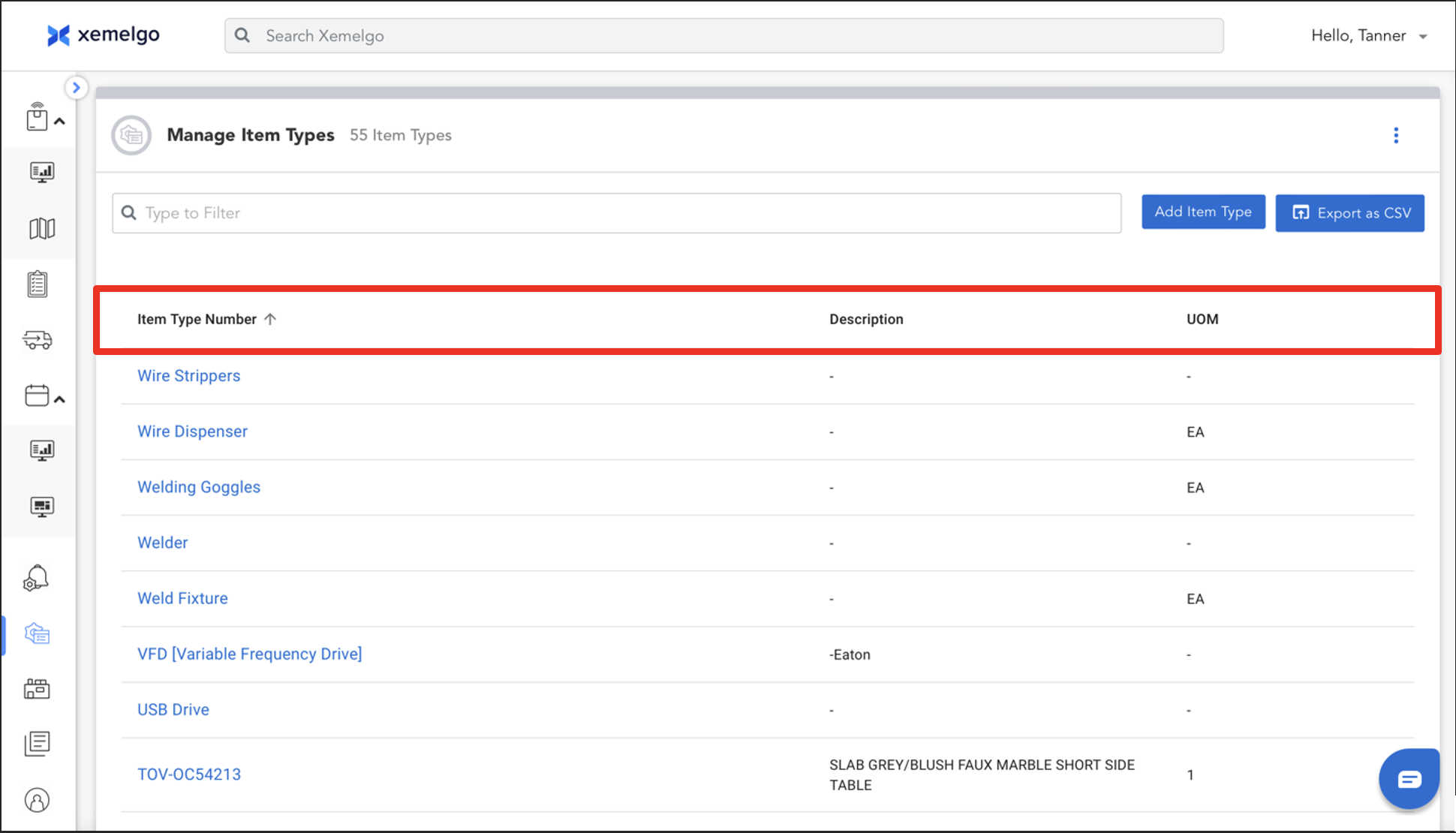
If users wish to sort their item types, they have the option to sort by Item Type Number, Description, or UOM.
Need further assistance?
The article above couldn't resolve your issue? Use the chat button in the bottom-right corner to contact the support team.
Was this article helpful?