Adding a New Item Type
Adding a New Item Type
Overview
This article covers adding new item types manually or through CSV files.
Create Individual Item Types
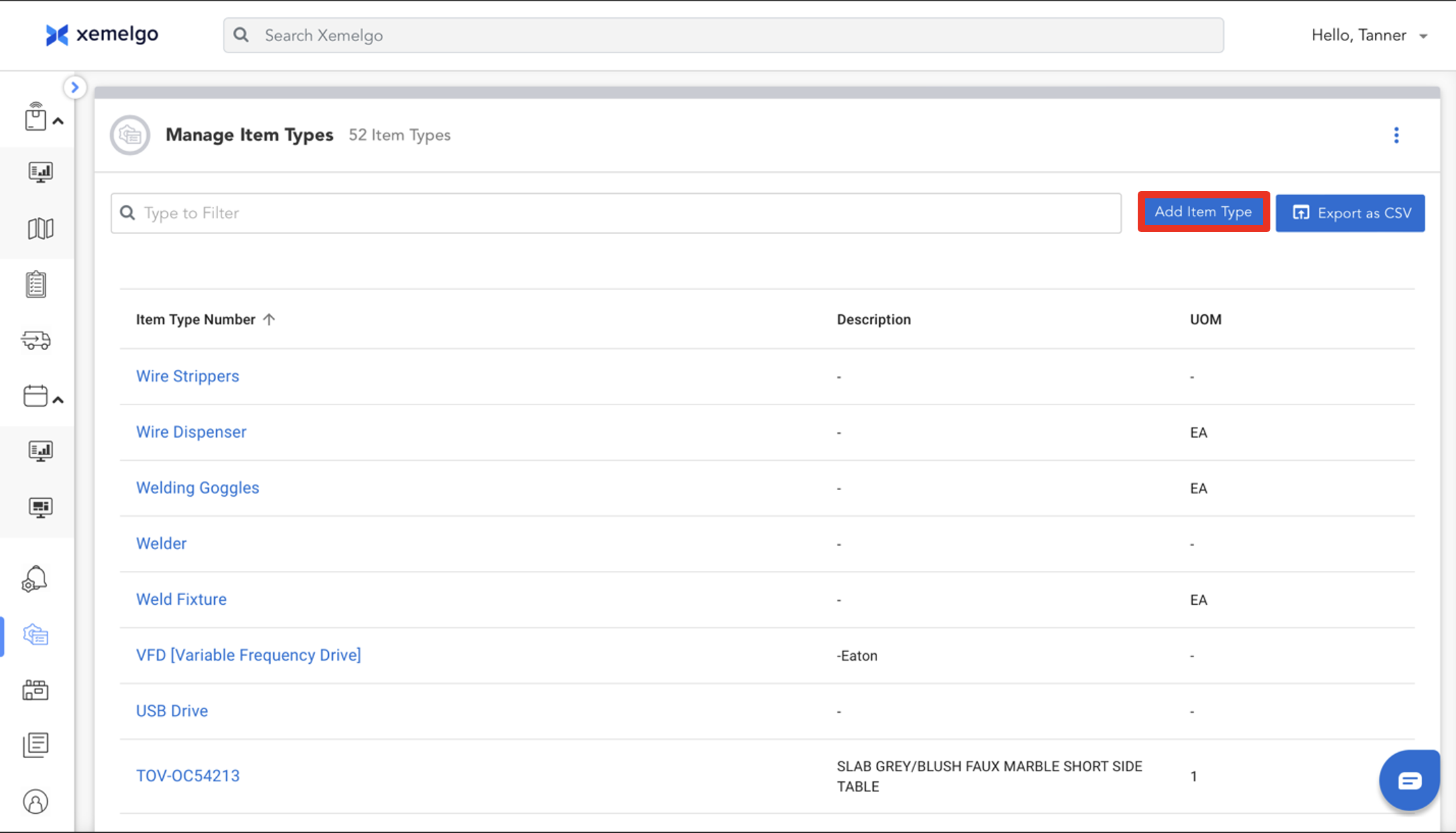
To begin the process of adding a new item type, click Add Item Type.
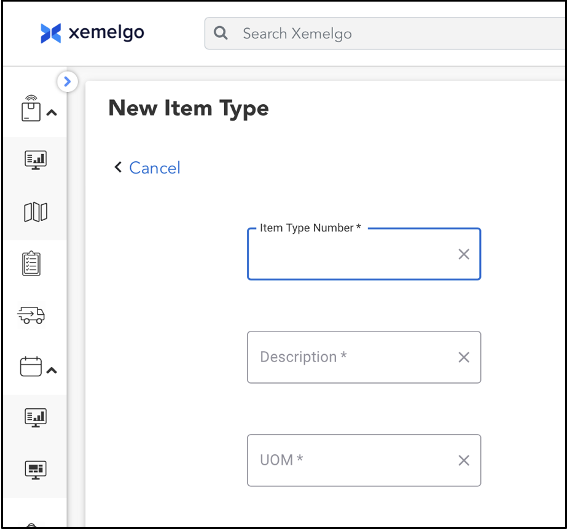
Next, enter the Item Type Number, Description, and UOM in the appropriate fields.
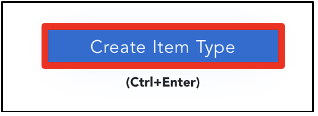
Then, click Create Item Type.
Create Item Types Through CSV
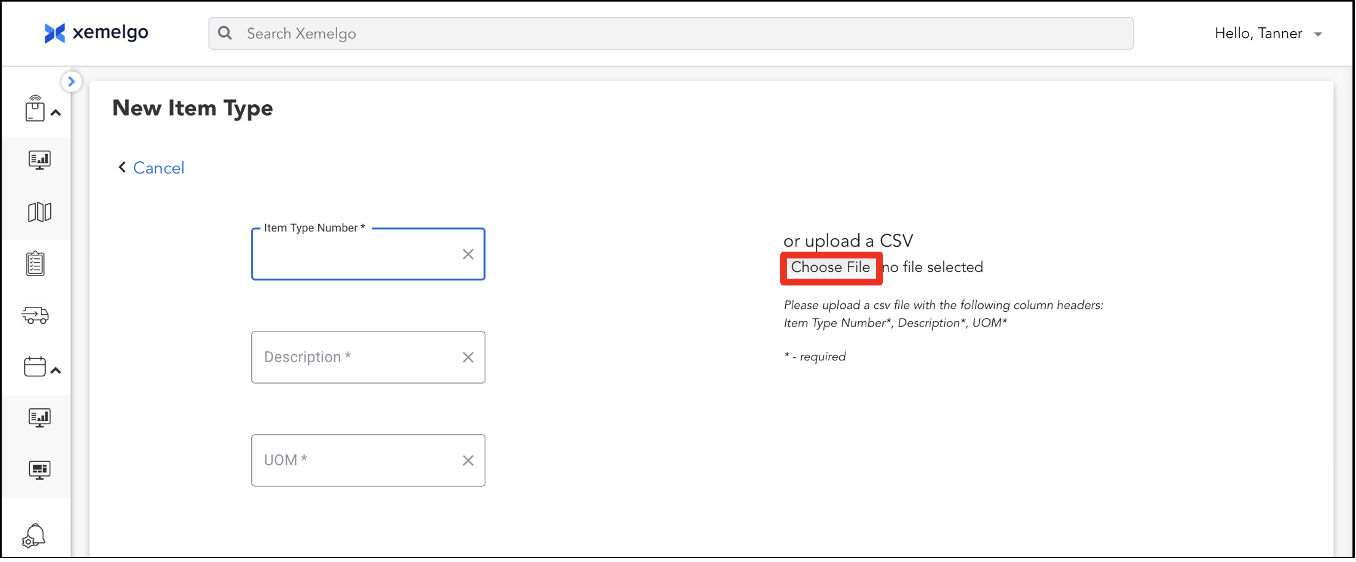
You can add new item types by uploading a CSV file if the file contains the matching column headers.
To upload a CSV file, click Choose File.
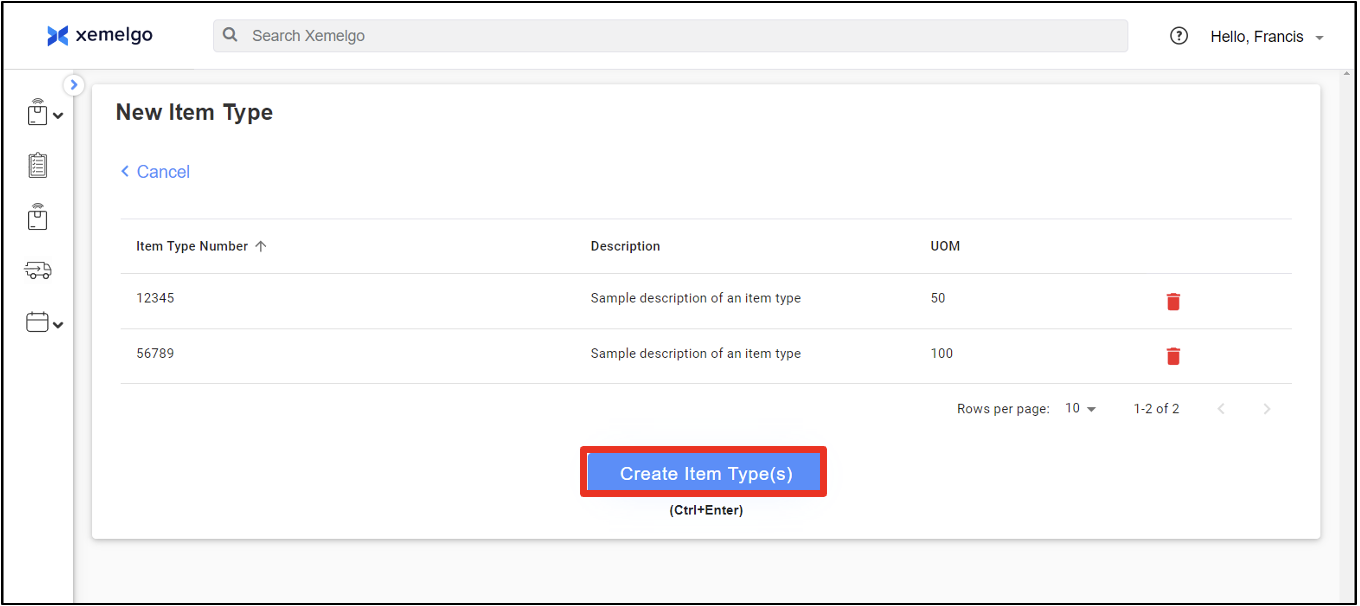
Once the file is uploaded, click Create Item Type(s).
Need further assistance?
The article above couldn't resolve your issue? Use the chat button in the bottom-right corner to contact the support team.
Was this article helpful?