Performing Actions on an Individual Part
Performing Actions on an Individual Part
Overview
This article explains part-related tables, reporting issues, and subscribing to alerts.
Instructions
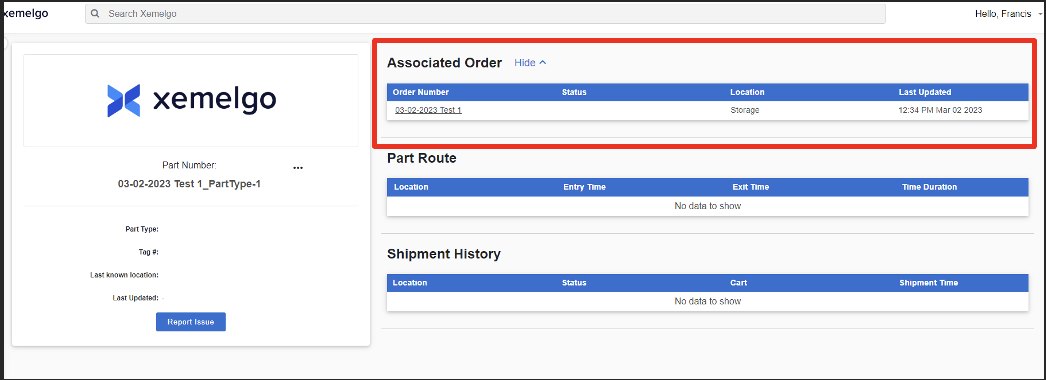
The Associated Order table shows the Order Number the part is associated with. It also shows the Location as well as a timestamp of when the information was Last Updated.
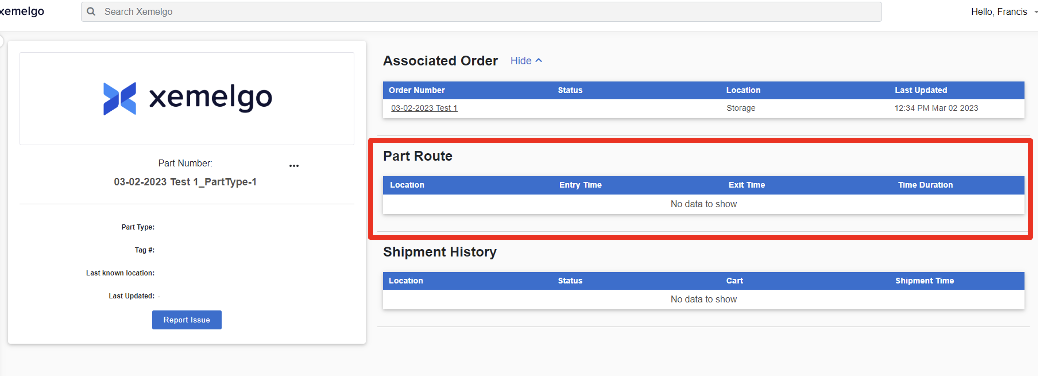
The Part Route table shows the route the part has taken throughout your factory. It provides information on the parts' Location, Entry Time, Exit Time, and Time Duration.
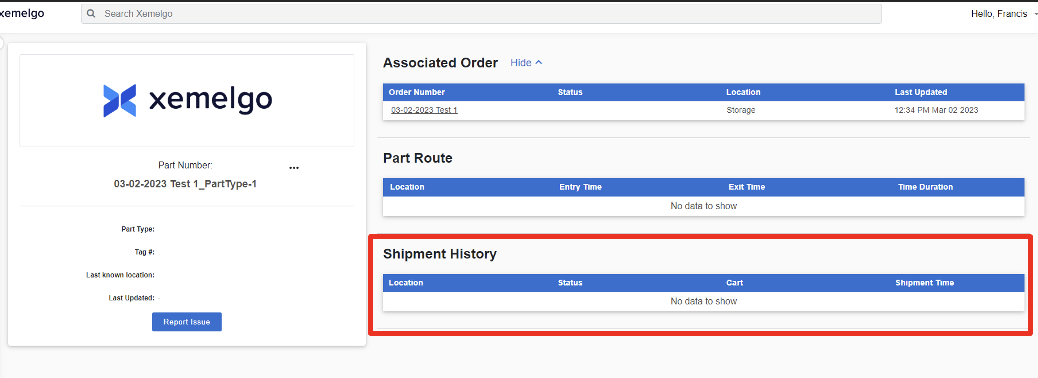
This table displays the Shipment History. It displays the Event, Event Details, Start Time, and Duration.
Report an Issue with a Part
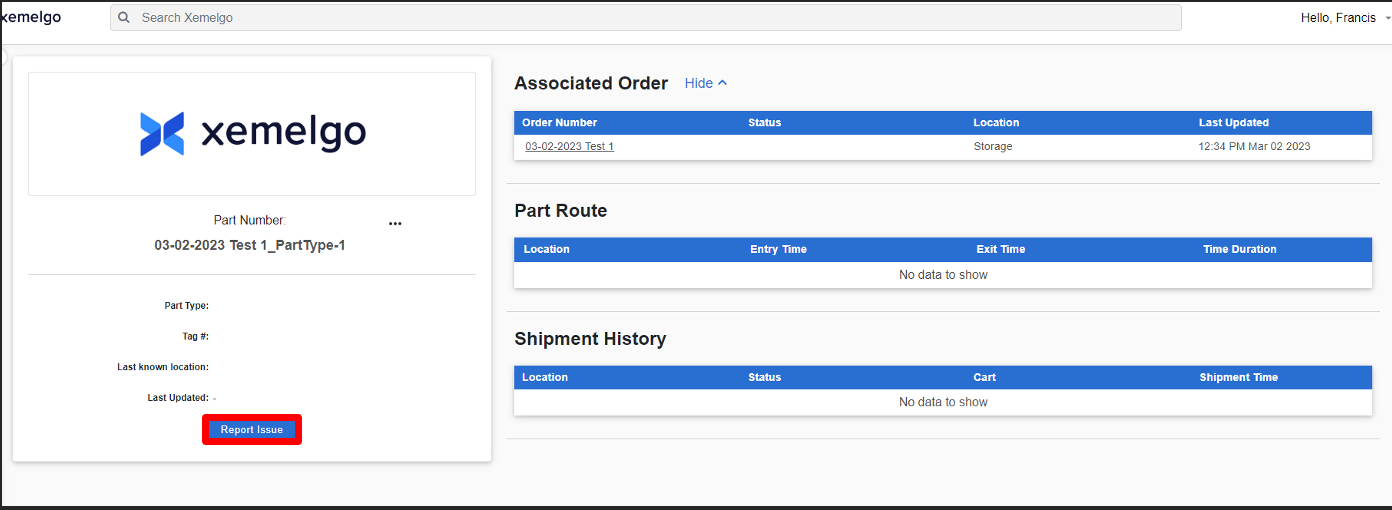
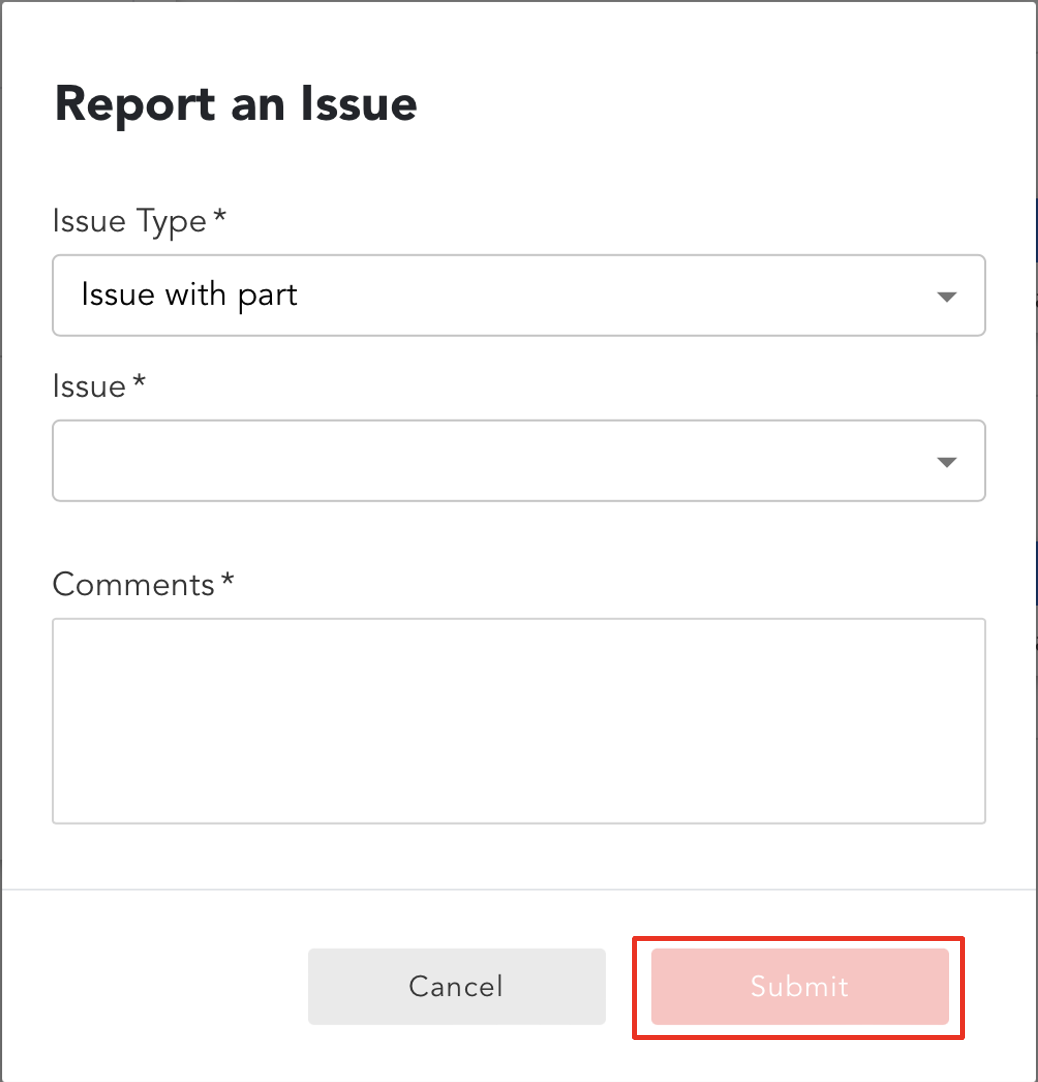
To report an issue with a part, click Report Issue.
To finish reporting the issue, select the Issue Type, Issue, and write any Comments associated with the issue.
Then, click Submit.
Users can subscribe to Shipment Issue Alerts to be notified every time an item is marked with a shipment issue.
Need further assistance?
The article above couldn't resolve your issue? Use the chat button in the bottom-right corner to contact the support team.