Performing Actions on an Individual Asset
Performing Actions on an Individual Asset
Overview
This article covers how to perform actions on individual assets, including marking assets as missing and found, with a note about receiving Missing Asset Alerts.
Instructions
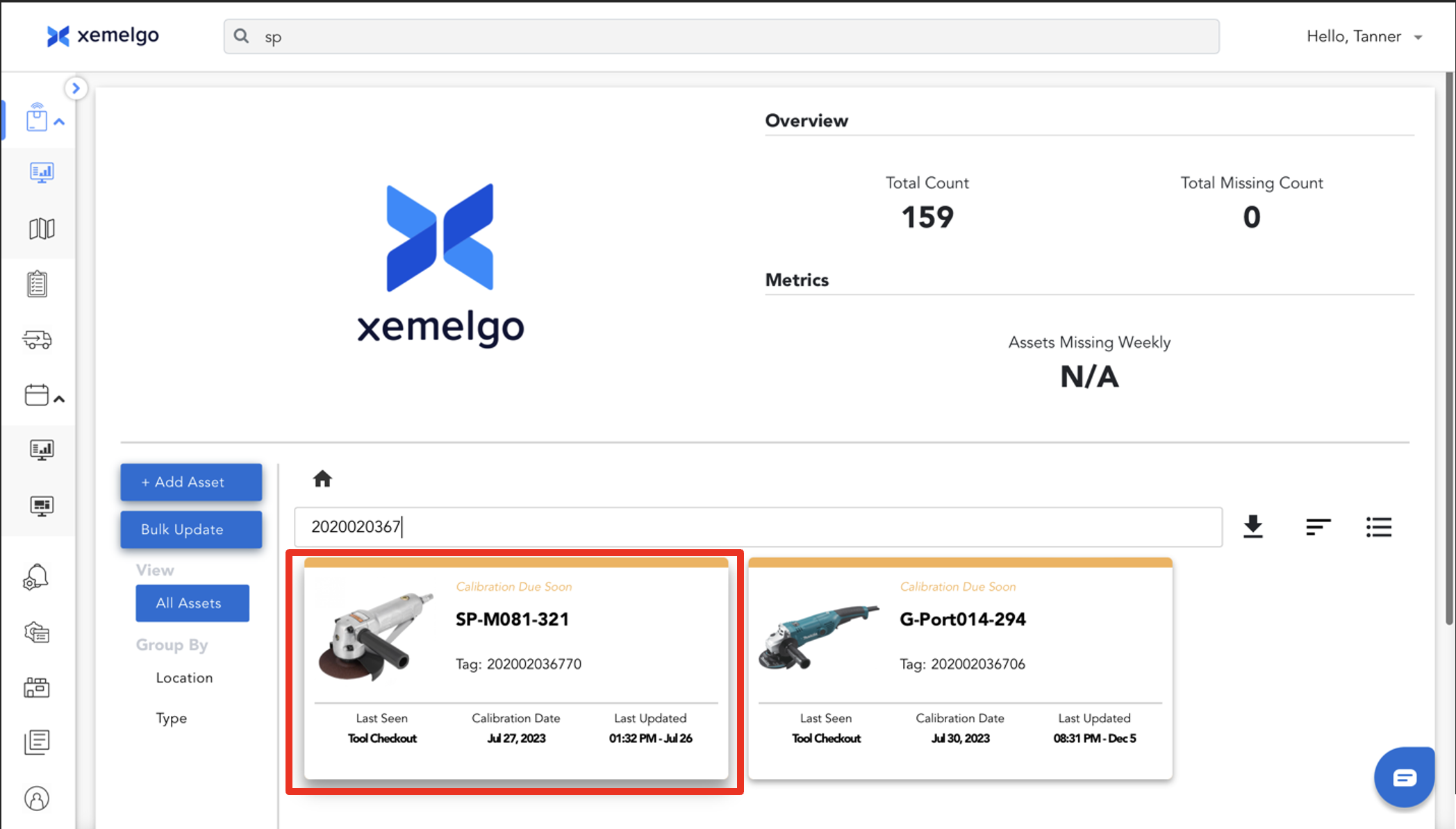
To perform actions on an individual asset, click an asset.
Mark Asset as Missing
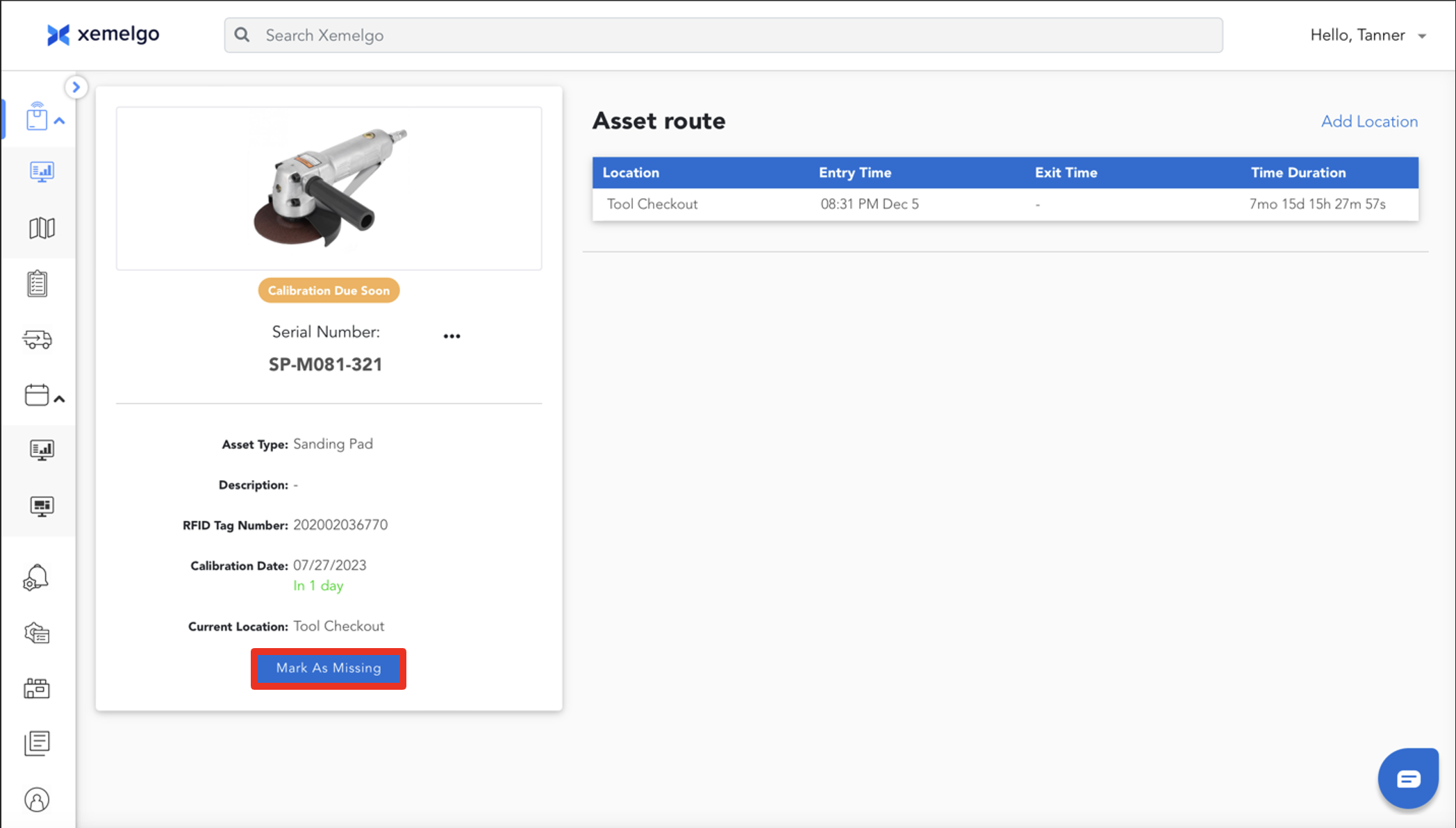
To mark an asset as missing, click Mark As Missing.
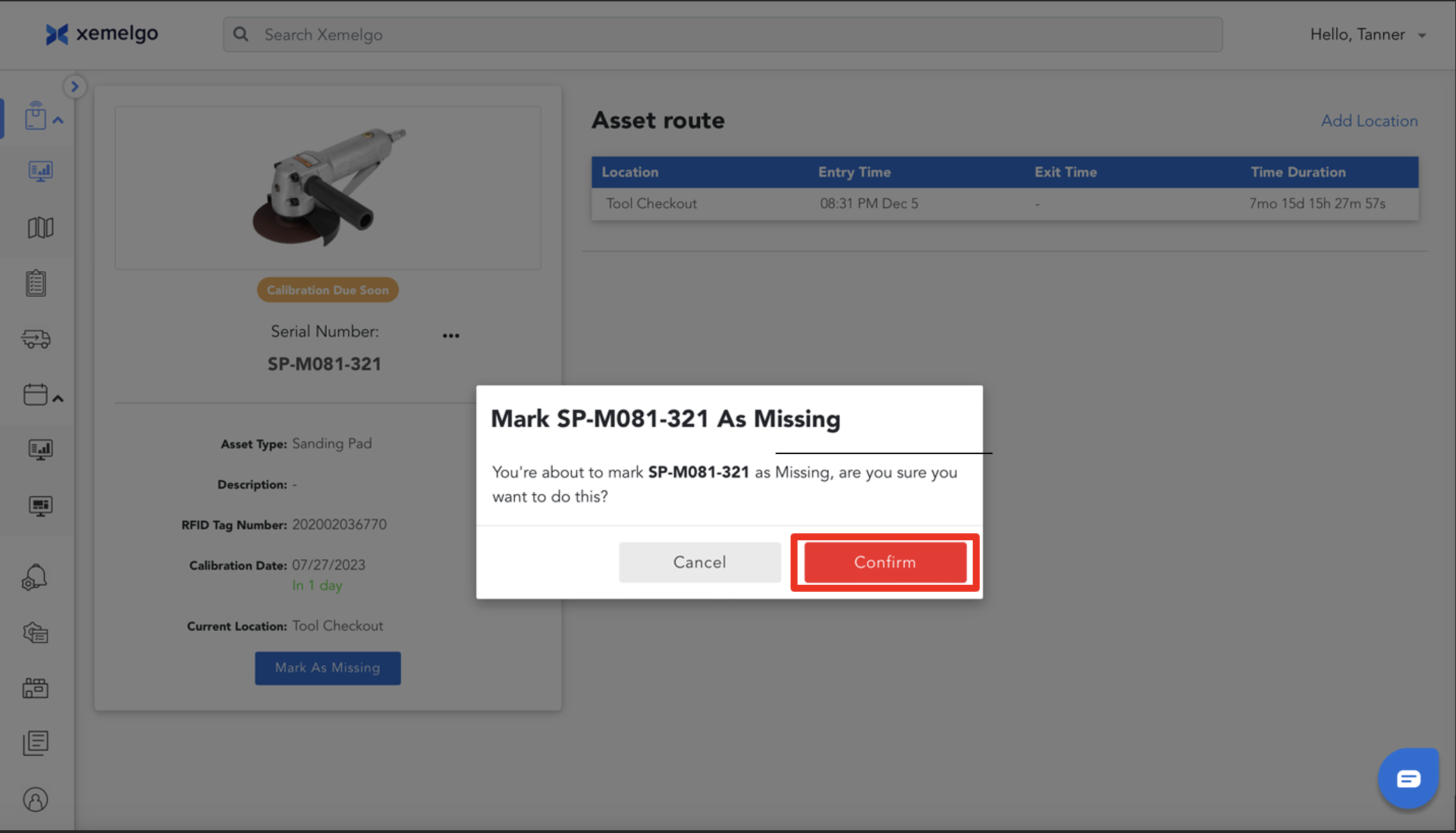
To confirm that the asset is actually missing, verify you are marking the correct asset as missing and click Confirm.
Mark Asset as Found
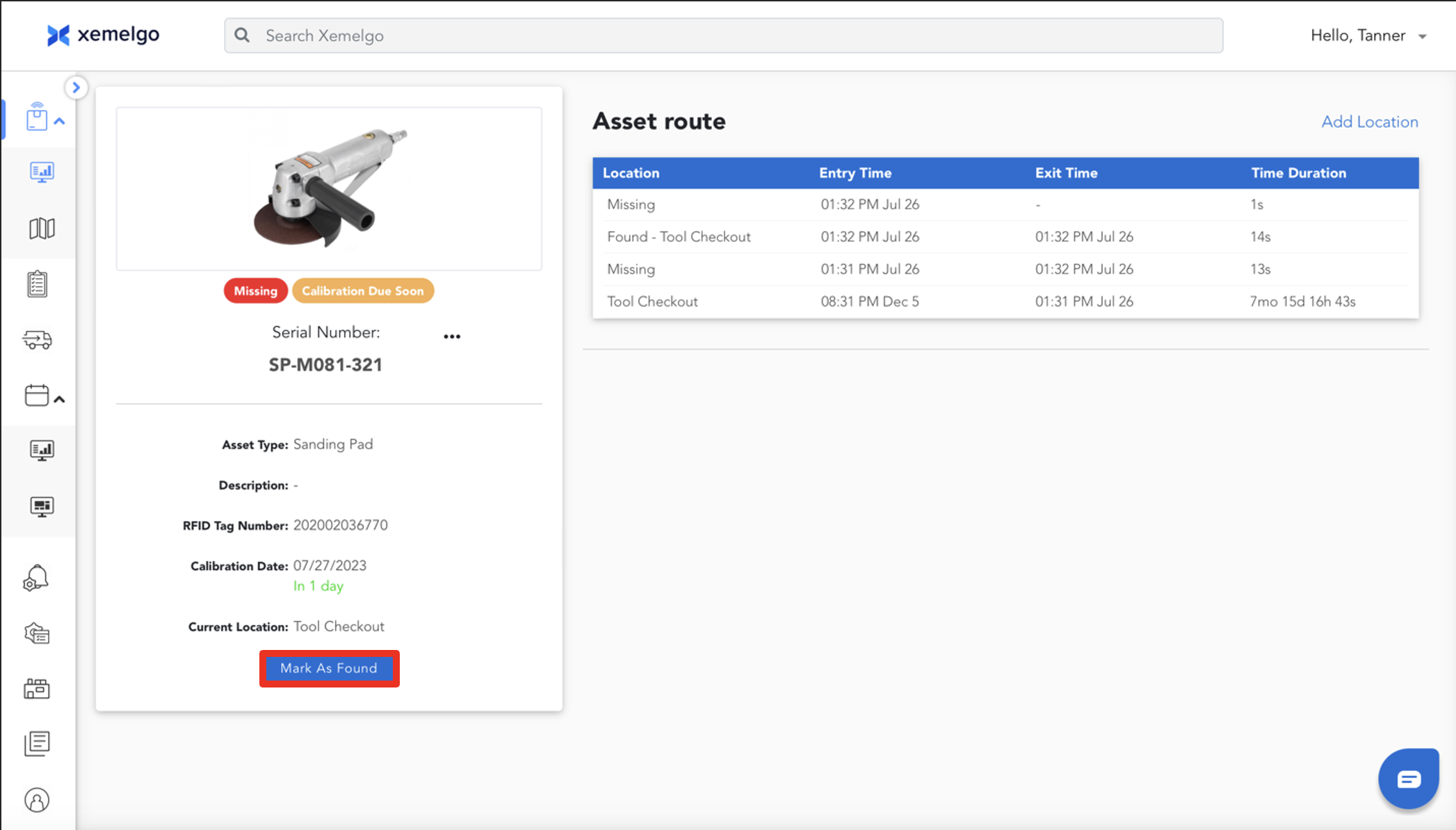
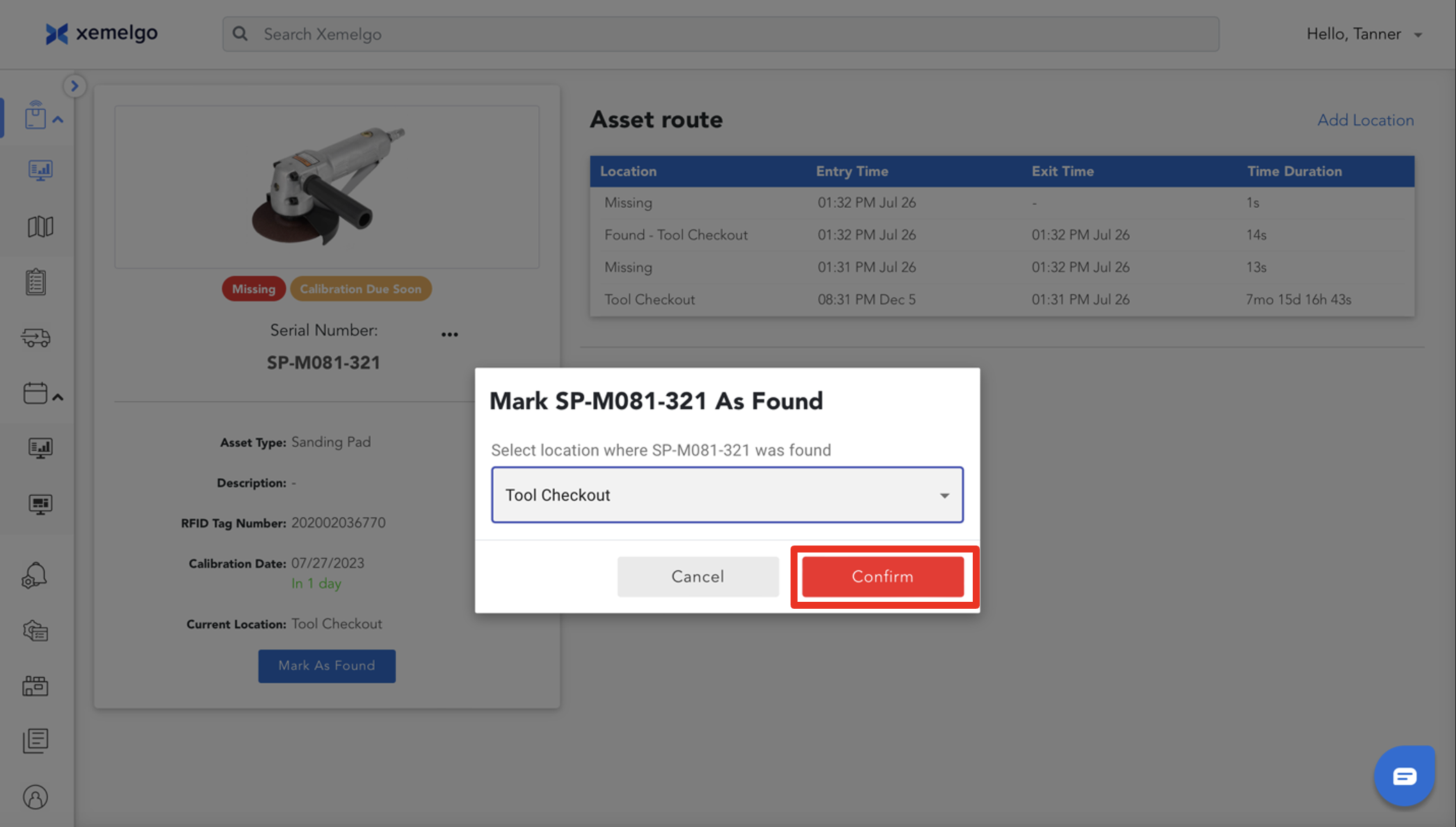
To mark an asset as found, click Mark As Found.
To confirm that the asset has actually been found, verify you are marking the correct asset as found and click Confirm.
When an asset goes missing or is found, you will receive a notification if you are subscribed to **Missing Asset Alerts.
Need further assistance?
The article above couldn't resolve your issue? Use the chat button in the bottom-right corner to contact the support team.