Shipment Verified Alert
Shipment Verified Alert
Instructions
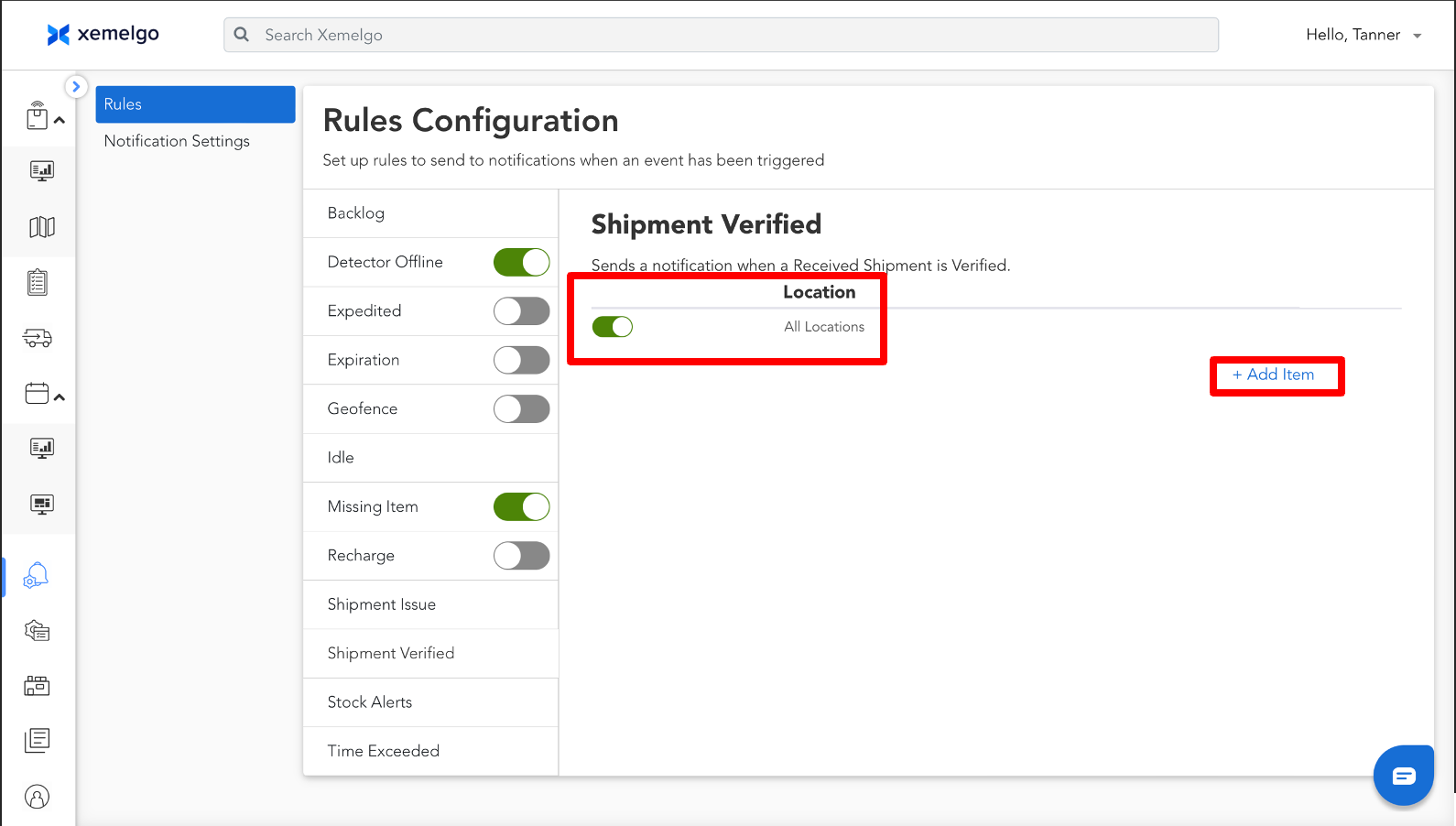
A user who is subscribed to the shipment verified alert will receive an alert every time a user completes the shipment verification process.
Any user can create additional conditions, where they can add a condition to only receive Shipment Verified alerts for items received at specific locations by clicking + Add Item.
Users can then toggle the switch to subscribe to that location, which will also unsubscribe them from receiving alerts across all locations.
Need further assistance?
The article above couldn't resolve your issue? Use the chat button in the bottom-right corner to contact the support team.
Was this article helpful?