Login
Login
How to Login
Open a web browser on your device and enter the URL http://signin.xemelgo.com
You will be directed to the login page, which is displayed as shown in the following picture.
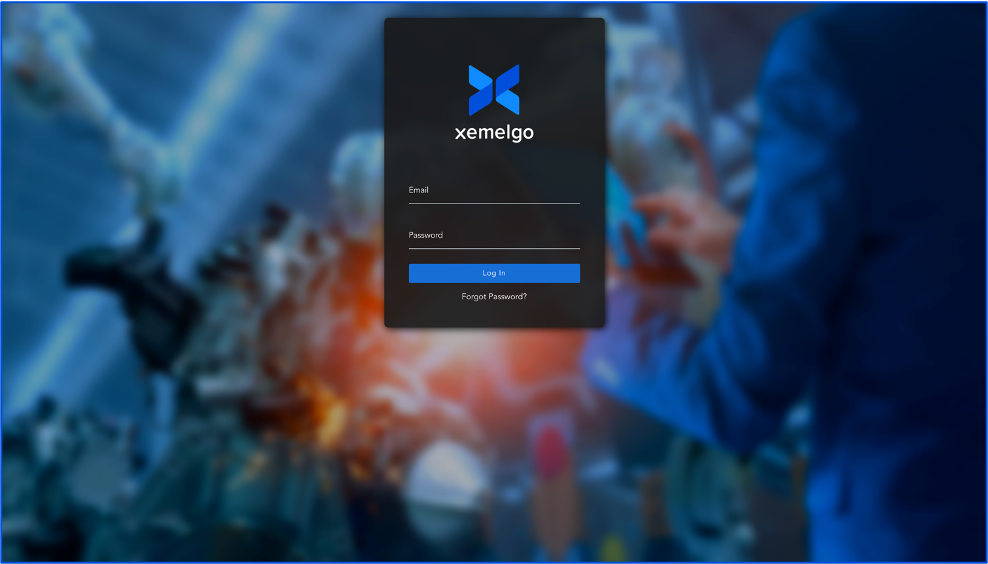
Enter your registered username in the provided field on the login page.
Next, enter the password associated with your Xemelgo account.
Once you have entered your credentials, click Log In.
First Time Login
Admins can create user accounts for others.
Users will be sent a one-time password to their email address.
Users will be asked to change their password after the first time they log in.
Once they reset their password, users can then go ahead and log in.
Forgot Password
If at any time users forget their password, they can come to the login page and click Forgot Password to reset their password.
Need further assistance?
The article above couldn't resolve your issue? Use the chat button in the bottom-right corner to contact the support team.