Navigating Reports
Navigating Reports
Overview
This article explains how to filter and download reports efficiently.
Filtering Reports by Type/Date
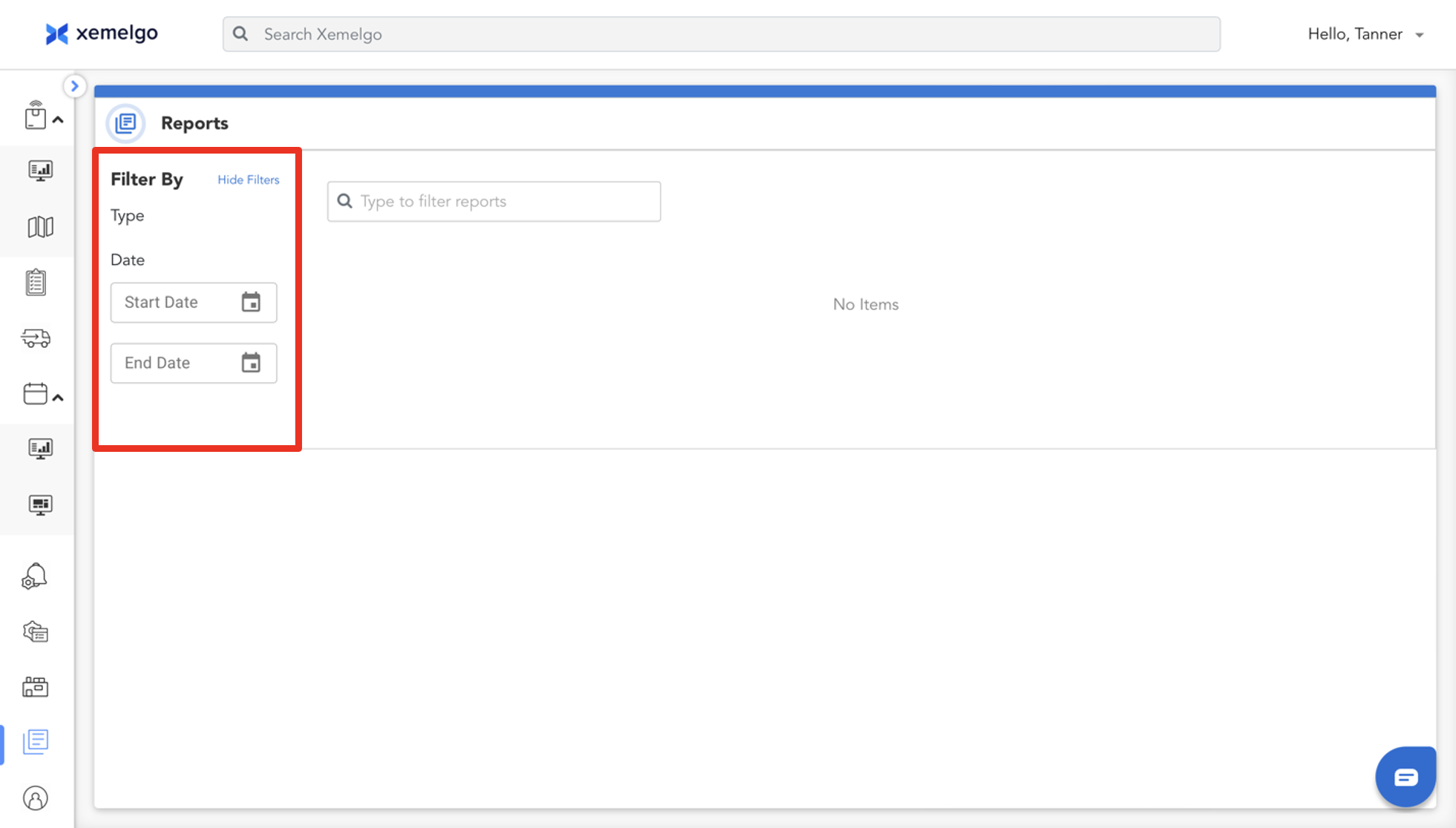
You can filter reports by both Type and Date under the Filter By section of the dashboard.
To set the Start Date and End Date, select the icon.
Filtering Reports through Search Bar
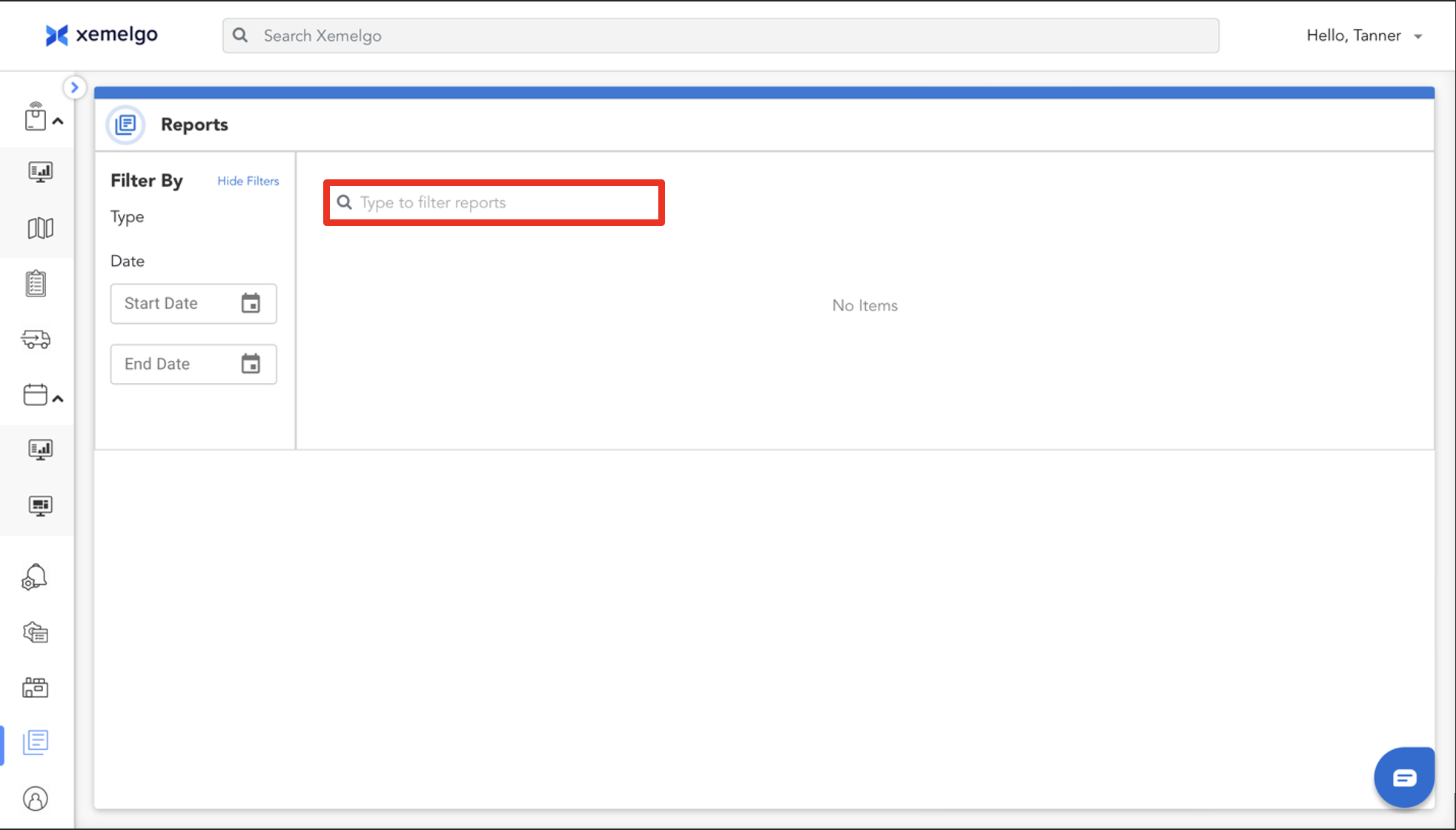
Users can search for specific reports by searching for them in the text field.
Downloading a Report
Once you locate a report you wish to download, click Export as CSV and the report will be downloaded to your device.
Need further assistance?
The article above couldn't resolve your issue? Use the chat button in the bottom-right corner to contact the support team.
Was this article helpful?