Managing User Accounts
Managing User Accounts
Overview
This article covers how to edit or delete existing user details in the Xemelgo app, as well as how to search for users within the system.
Editing/Deleting Existing User Details
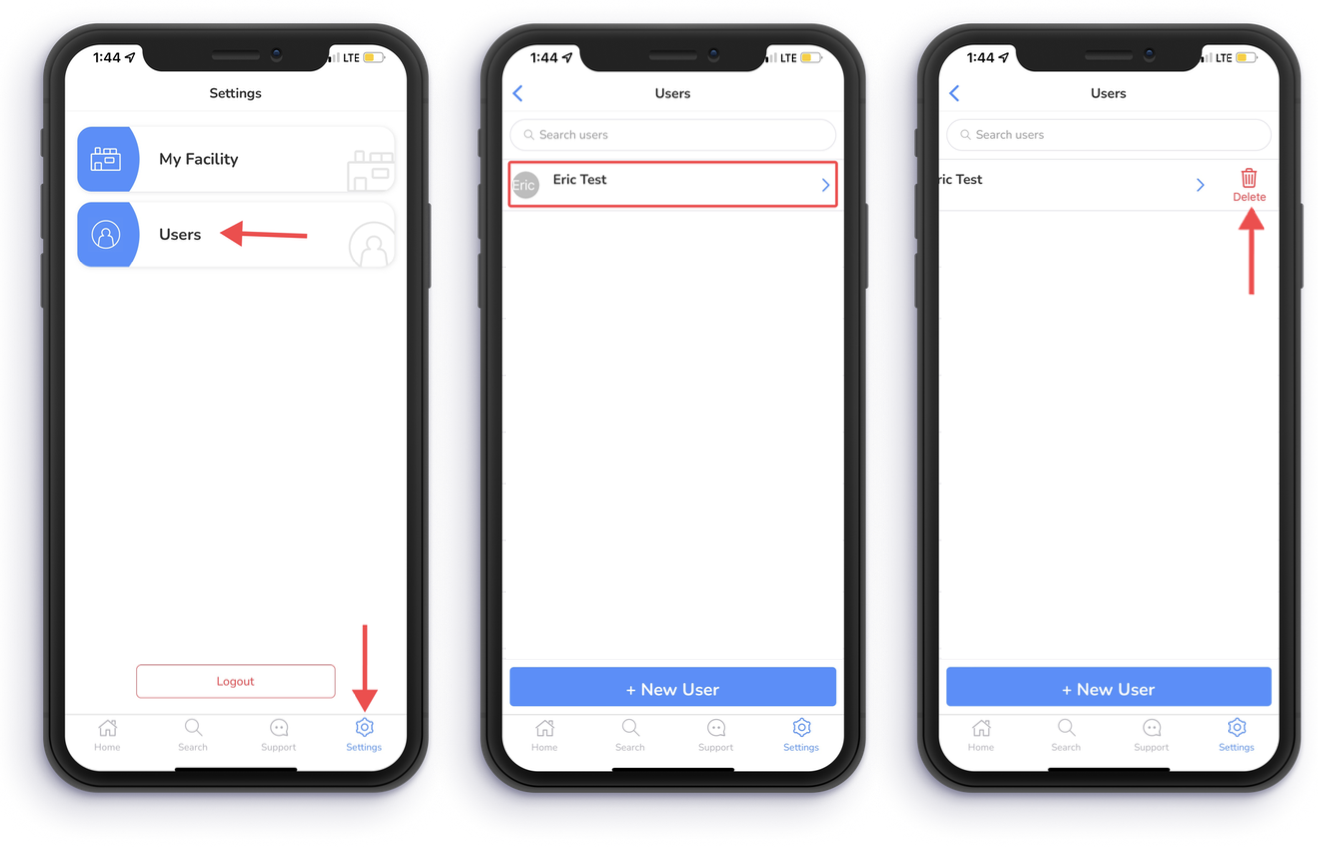
To begin editing or deleting user details, tap Settings on the bottom right of your device.
Next, tap Users.
You can edit user details by selecting the user whose details you want to edit.
To delete a user from the Xemelgo system, swipe left on the users name and tap Delete.
Searching for Users
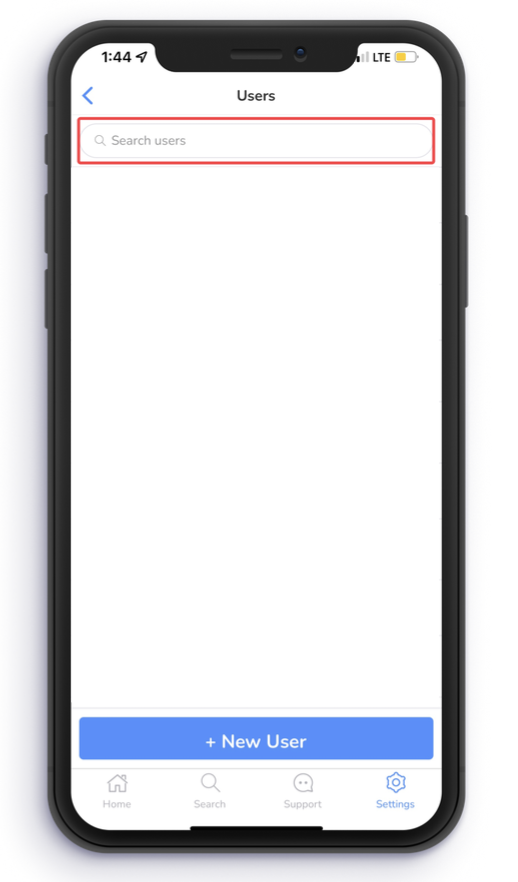
Users are able to search for other users in the Xemelgo system by typing that user's name in the Search Users field at the top of the screen.
Need further assistance?
The article above couldn't resolve your issue? Use the chat button in the bottom-right corner to contact the support team.
Was this article helpful?