Searching for Work Order by Work Order # or Part #
Searching for Work Order by Work Order # or Part #
Overview
This article guides users on searching work orders by number efficiently.
Instructions
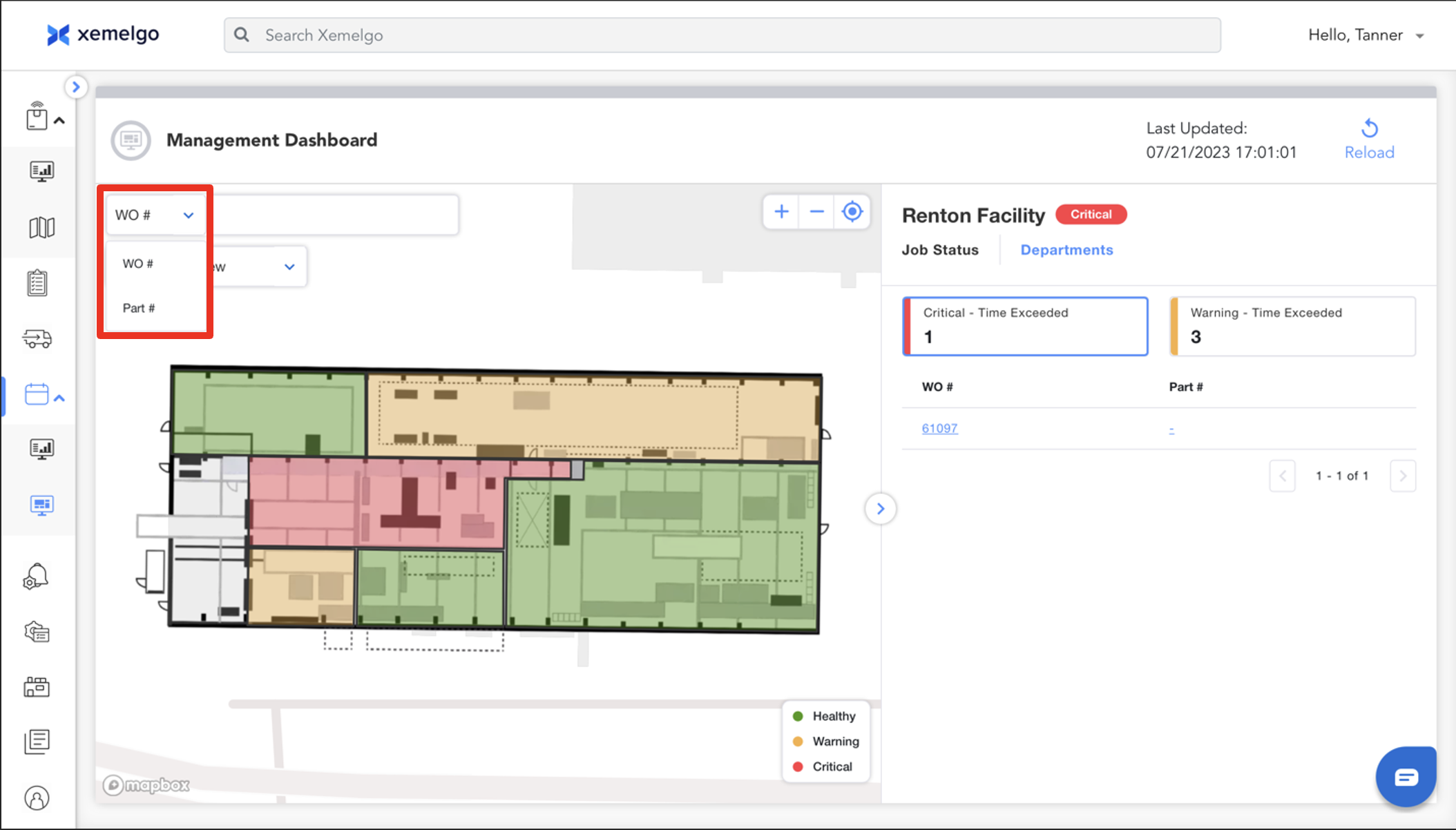
To facilitate the search for a work order, select the appropriate option from the dropdown menu corresponding to either the Work Order Number or the Part Number.
Then enter the corresponding number in the designated text box.
Need further assistance?
The article above couldn't resolve your issue? Use the chat button in the bottom-right corner to contact the support team.
Was this article helpful?